138
PC Service Home Guide
E-Book Editor
3.2 Creating a Project
In “Index” screen, click the first icon on the left top of the tool bar.
Input “Project Name” (your can name it by yourself)→ Select the model platform → click “OK”.
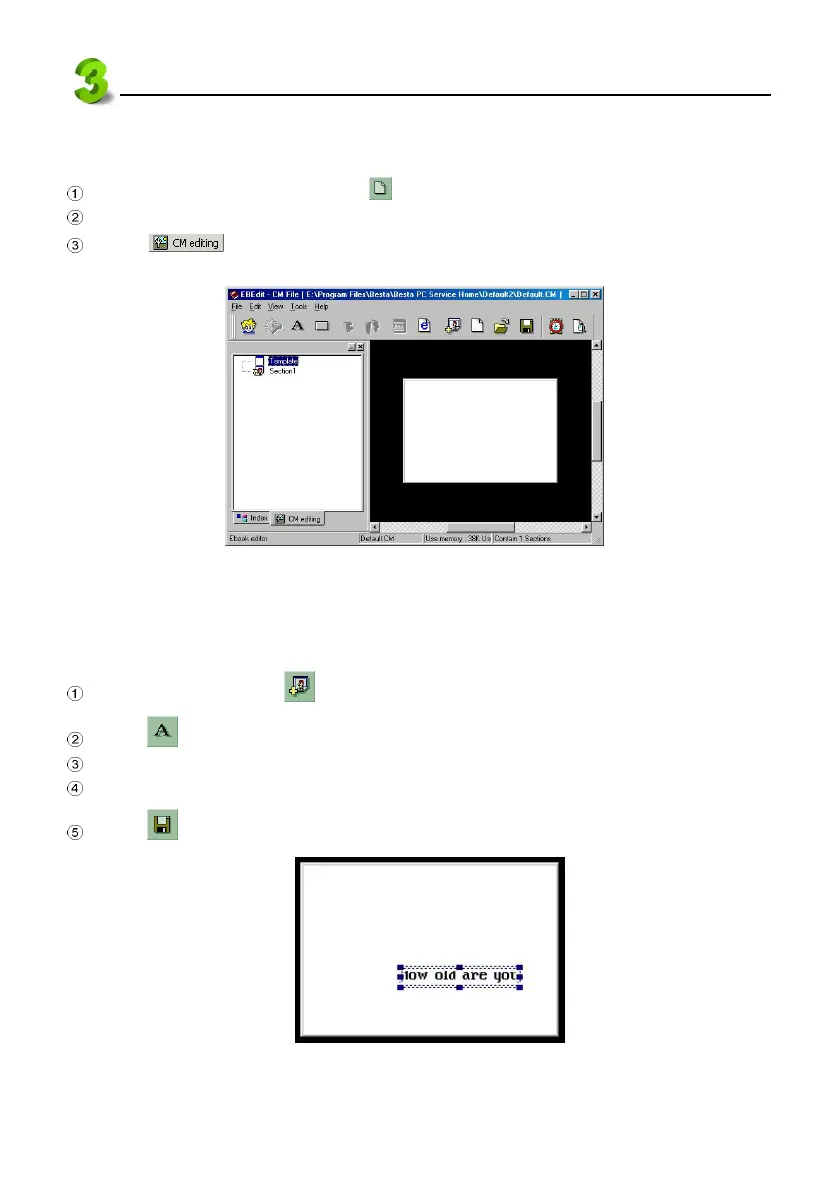
Click at the left bottom corner of the window to access CM editing screen (see
picture 32).
32
3.3 Creating Text
3.3.1 Inputting text
Click “Section 1” or click to append a section.
Click from the tool bar in “CM editing” screen to access text editing area.
Type text in the square box, tick the “Transparent” box, click “OK”.
You may use mouse to move text in the square box to any place.( see picture 33).
Click from the tool bar to save file.
33



 To Next Page