42
Dictionary
1. Data Index
* Provides single/dual search windows.
* In English index screen: directly input English word to search.
* In Chinese index screen: select an input method to input Chinese character.
* Make sure whether the selected input methods is available in the current dictionary
mode.
* Tap or select appropriate keys to execute corresponding functions.
* Tap or press [ENTER] to display the definition of the selected headword.
* Tap or press [ESC] to return the main menu.
* Secondary search or wildcard search is not available in some dictionaries. Please
refer to <3. Searching> under Dictionary.
1.1 Index
Take example from English-Chinese Dictionary, Oxford Advance Dictionary, Chinese-English Dictionary,
Animation Dictionary, and Net Dictionary:
On the index screen:
Tap
/ to switch between single and double windows.
Tap
or press [ ] to display the Chinese input method menu.
Tap
to open handwriting input method.
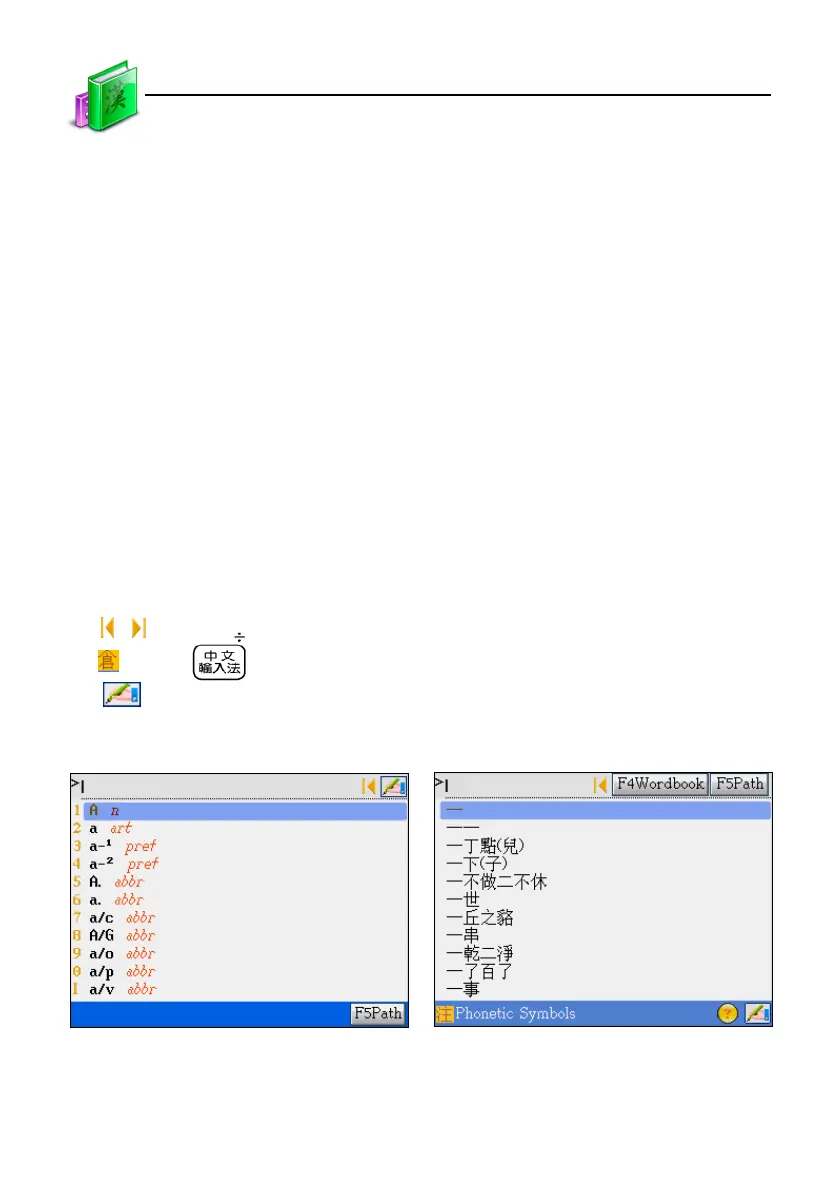
English-Chinese Dictionary screen Chinese-English Dictionary screen
Data Index



 To Next Page