35
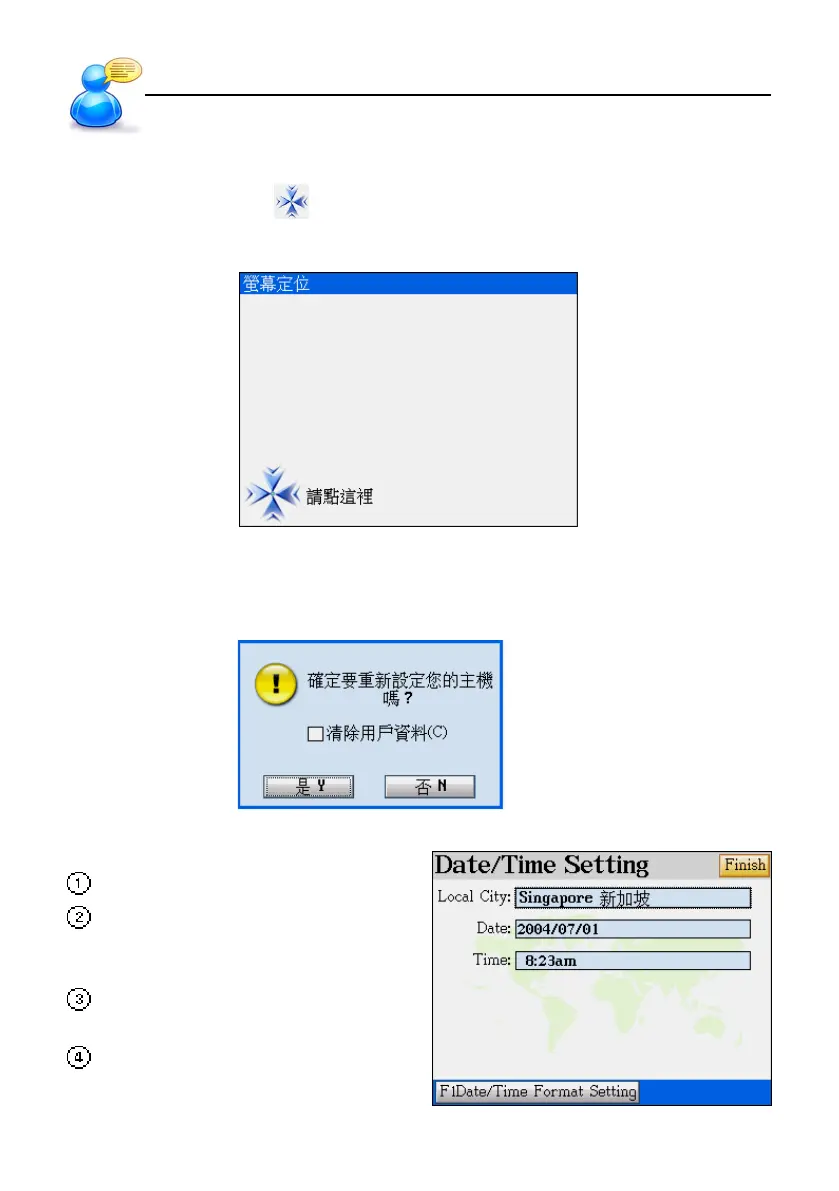
9.1 Touch Panel Correction
Tap the center of the target to calibrate the sensitivity and accurate position of touch panel.
There are 3 targets to be tapped: lower left, upper right, and center.
9.2 Resetting the Device
After the touch panel correction, a default opening screen will be shown, then the screen appears
as below:
Select “N” to access the main menu.
Select “Y” to initialize the device. ( to re-
turn to the default values). Then the
screen appears as right.
Set the date and time, then tap [Finish]
and access the main menu.
Tap [F1] to set the format of date and
time.
User Guide
Initializing



 To Next Page