92
PIM
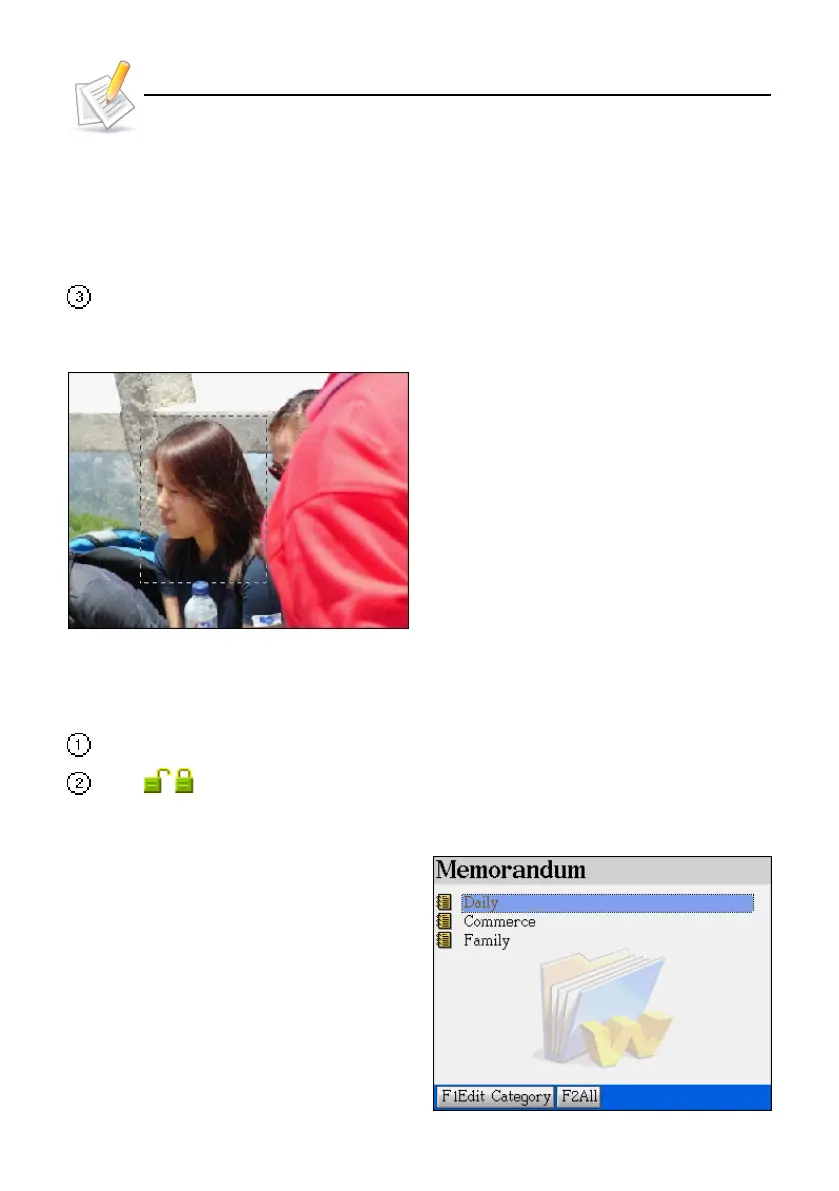
* The portrait setting range is at the upper- left corner; drag a range to reset the photo again
if required.
* When the setting range is larger than the display range, the picture will be minimize. The
range is within 160*160pt ;
* When the setting range is smaller than the display range, the picture will be displayed as
it is.
After selecting the range, tap or press [ENTER] to confirm.
Ex. Tap and select [My Photo Album]:
Setting the range
1.2 Securing / Unlocking Data
Before a password is assigned: You may set a password for the device.
Tap / to unlock/secure present data after the password is set up.
2. Memorandum
The data can be classified into "Daily”,
“Commerce”, “Family" 3 built-in and 5 self-de-
fined categories.
Memorandum



 To Next Page