145
41
Notes:
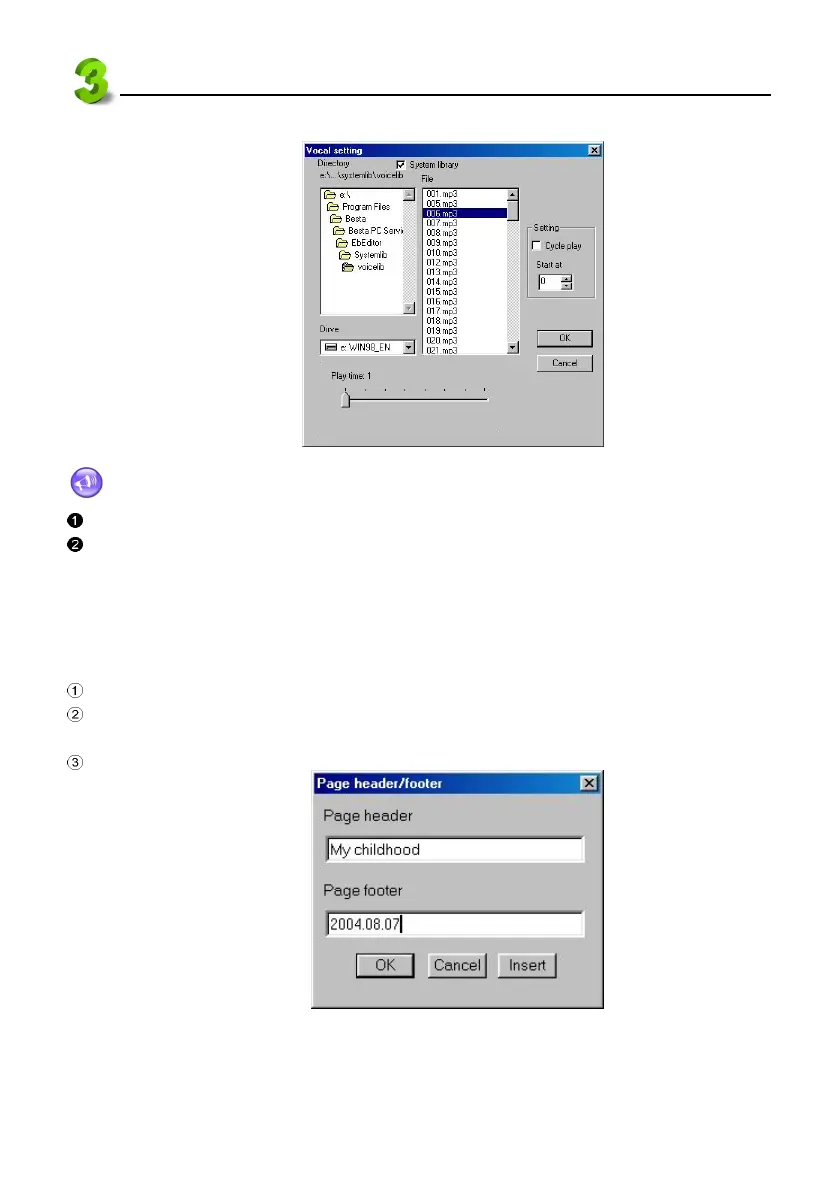
Only 16kbps--320kbps MP3 file can be added.
Only one MP3 file can be added in a section.
3.7 Setting a Page Header/Page Footer
As Microsoft Word, you may set page header and page footer.
Switch to “Index” screen. Select “Edit” menu → “set Page header/footer”.
Click “Insert” to insert Page number, Date and Time at page header or page footer. You may
input the content manually. See picture 42.
Click “OK”.
PC Service Home Guide
E-Book Editor
42



 To Next Page