146
PC Service Home Guide
E-Book Editor
3.8 Playing the Content
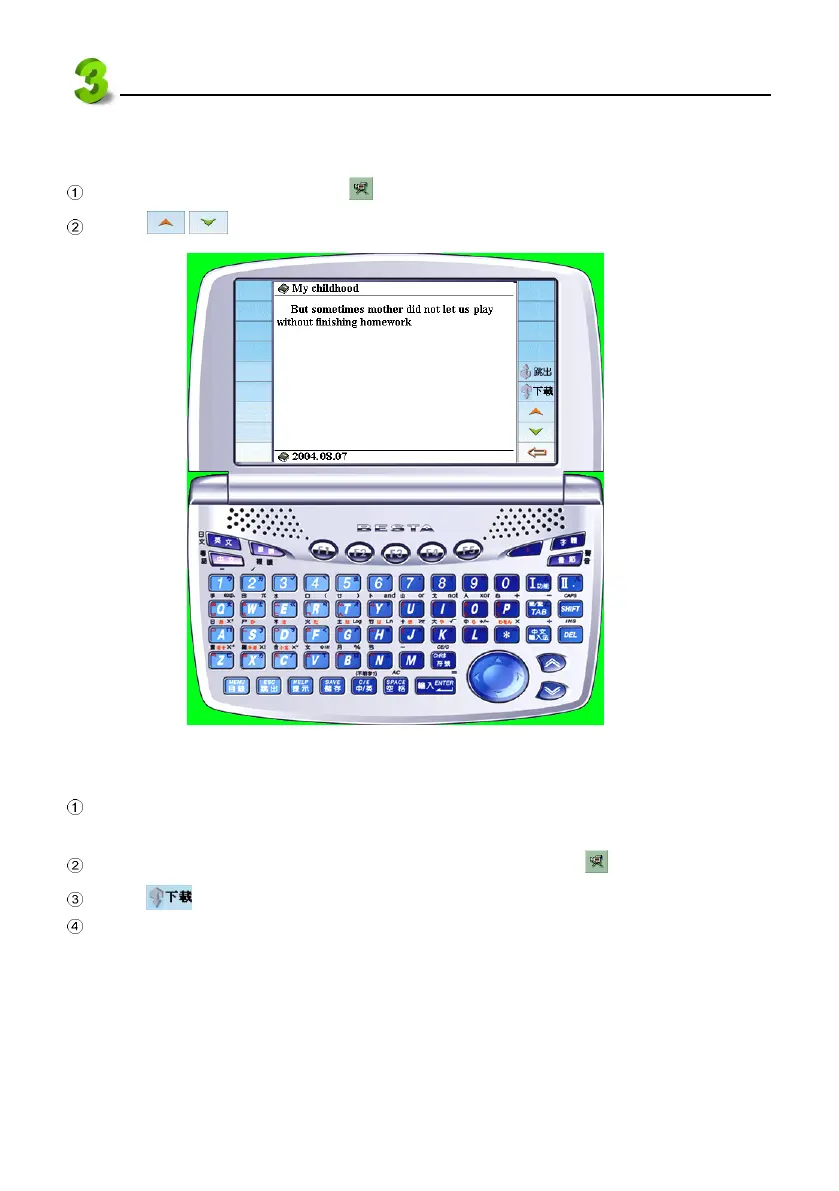
On “Section Index” screen select to play the e-Book contents (See picture 43).
Click / to play the previous/next page.
43
3.9 Downloading to the Electronic Dictionary
Make sure the USB driver has been installed properly (please refer to < Install USB Driver >
in the Manual). Connect PC and the device with the USB cable.
Open the project to be downloaded in the Ebook Editor. Then click to play.
Click on the PC simulator (See picture 43).
(Select “F4SYS” in the device → “1Communication with PC”) to start downloading e-books.



 To Next Page