75
Study
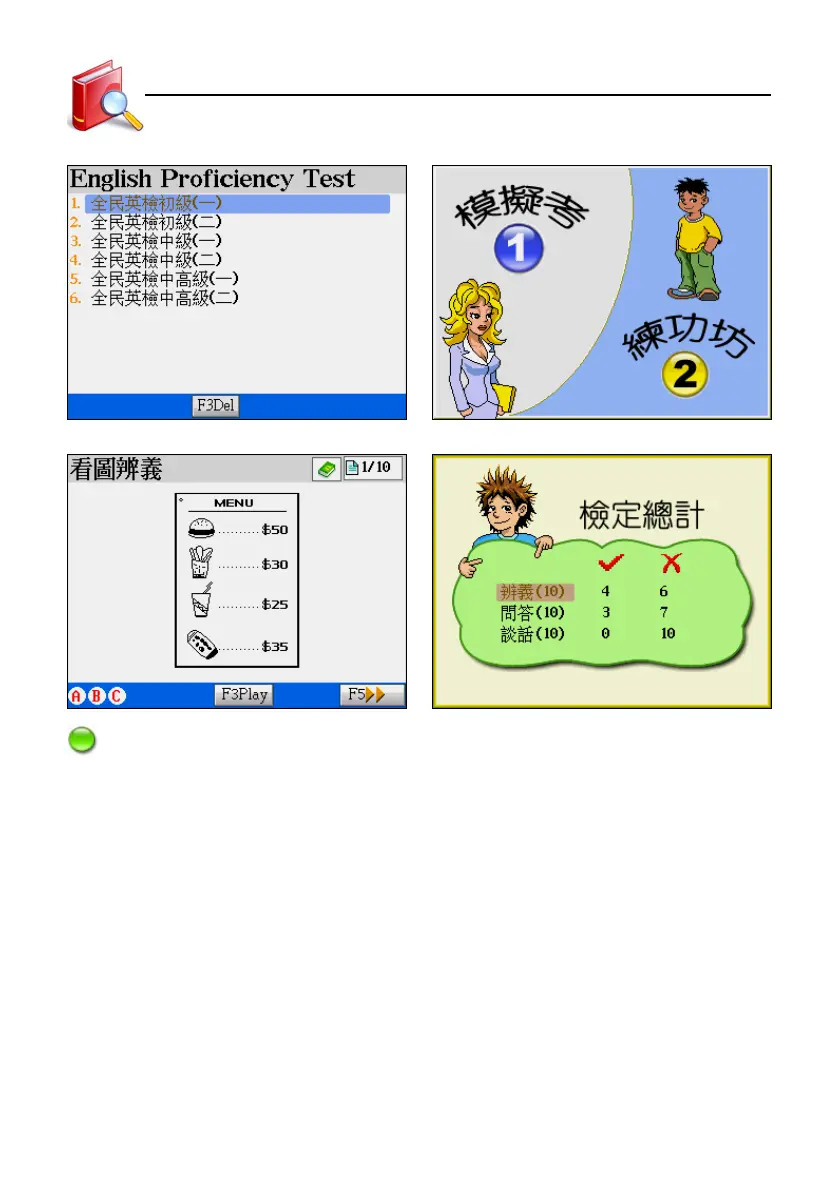
[English Proficiency Test] index The [English Proficiency Test] menu
[English Proficiency Test] quiz screen [English Proficiency Test] score screen
Note:
English Proficiency Test is classified into three levels: junior, middle and senior. All subjects are selective questions,
which are composed by “distinguish by pictures, questions and answers, brief conversations”.It divides into
simulated exams and practice room. You can answer questions according to the help message on screen. Please
place your downloaded data in C:\STUDY\ENGTEST.
In the simulated exams:
* Each question will be spoken once only. When the question is being spoken, you can press
[ESC] to stop.
* Tap or press the corresponding letter key to answer. If you answer the question while it is
being spoken, it will interrupt the speaking.
* To go to next question, tap [F5Next], then press [F4Conf].
* Tap [F3Help] to see how to answer the question.
* Before the question is spoken, tap or press [ESC] to exit the test.
* The exam has time limit. You can not answer the question once the time is up.
* The result will be displayed when you finish the exam.
English Proficiency Test



 To Next Page