113
Multi
5. Dictionary Picture Library
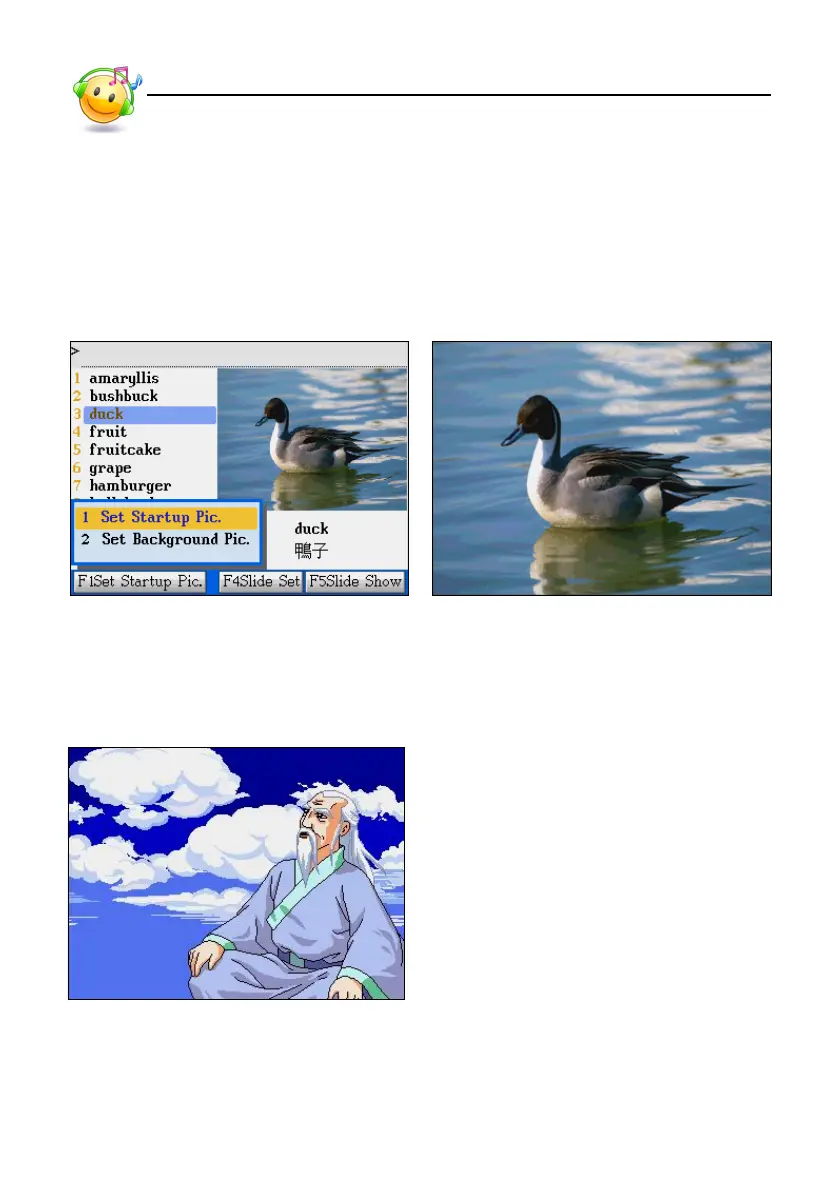
* Tap [F1Set Startup Pic.] to set the current picture as the startup screen.
* Tap [F4Slide Set] to set picture preview interval.
* Tap [F5Slide Show] to auto display the pictures continuously.
* Press [ESC] to return to the previous screen.
Illustration View in Full Screen
6. eBook City
Dictionary Picture Library/eBook City



 To Next Page