88
PIM
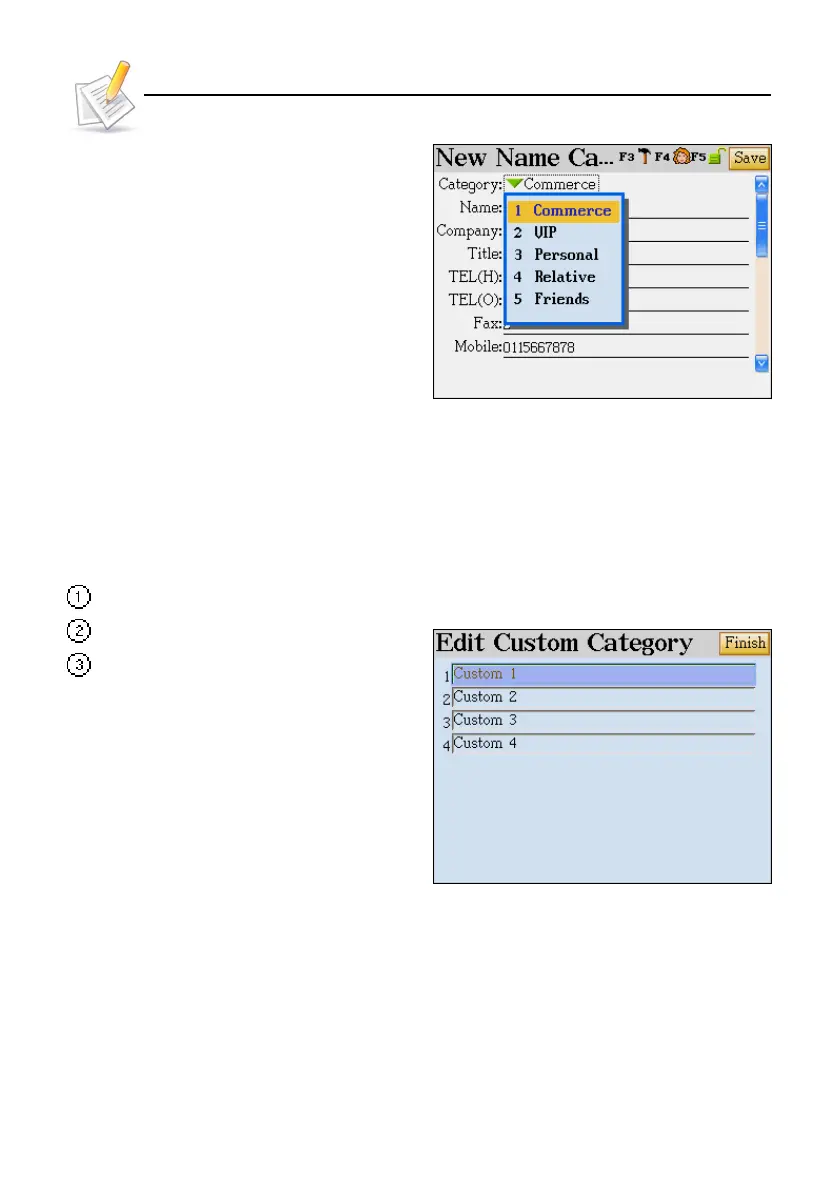
Tap or press numeric key to select.
1.2 Defining a Field
You may self-define up to four fields. Self-defined fields can be deleted in [4. System] ---> [2.
Memory Management]
In the index screen, tap [Func], then select "Custom Category".
You can edit the field name.
Tap [Finish].
1.3 Editing a Category
Editing the Category
There are five categories -- Commerce, VIP, personal, Relative and Friends for the Name Card. You
may add three ones. For Memorandum, there are 3 categories -- Daily, Commerce, Family . You may
add five ones.
Operation Guide



 To Next Page