106
System
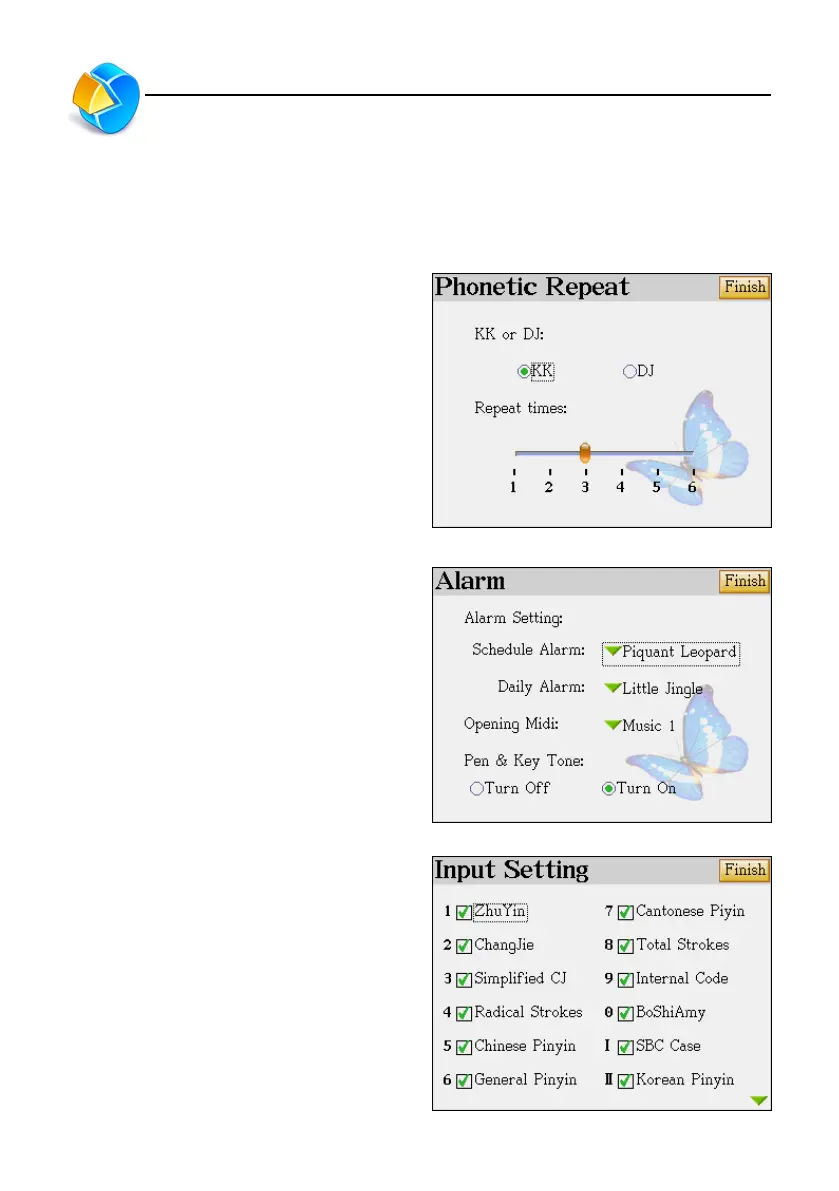
8. Phonetic Repeat
Phonetic Setting : Set KK or DJ phonetic symbol to be shown on the definition screen.
Repeat Times : Set the repeat times for pronunciation n the definition screen.
Select the corresponding item.
9. Alarm
There are 12 kinds of sound for your selection.
All built-in MP3 music can be selected for
schedule alarm, daily alarm and opening midi.
10. Input Setting
You have to select at least one of Chinese input
method, otherwise the setting won’t be
completed.
After selection, tap [FINISH] to confirm the
selection.
Phonetic Repeat/Alarm/Input Setting



 To Next Page