32
After duplicating, click “ 編輯 ”.
I
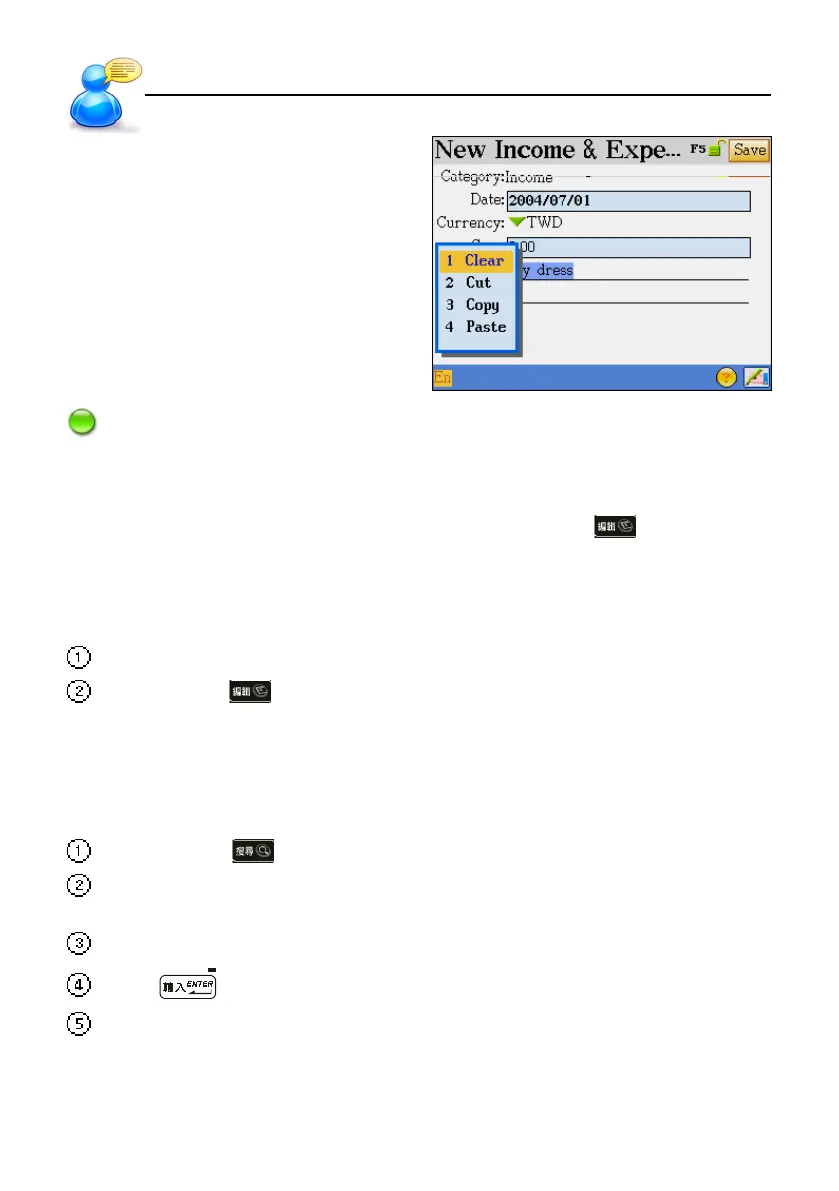
Note: If no data to be duplicated, the choice of “Paste” will not appear.
4.2 Copying/Cutting/Clearing Data
To copy, cut or clear data, just highlight the data first, tap the shortcut , then tap “Copy” \
“Clear”.
4. 3 Pasting Data
Move the cursor to where the data to be pasted.
Tap the shortcut and select “Paste”.
5. Data Search
Select a range and input a keyword for overall data searching.
Tap the shortcut .
Tap to select the items to be search in: Name Card, Memorandum, Schedule, To Do List,
Anniversary , and Income & Expense.
Input the keyword (either Chinese or English) for searching.
Press or tap [F1Start] to start the searching.
The result will then be displayed.
* Tap [F1] to view the whole entry.
* Tap [F3Next] to search the next entry
* Tap [F2Previous] to return to the previous data.
User Guide
Data Editing



 To Next Page