127
PC Service Home Guide
Communication
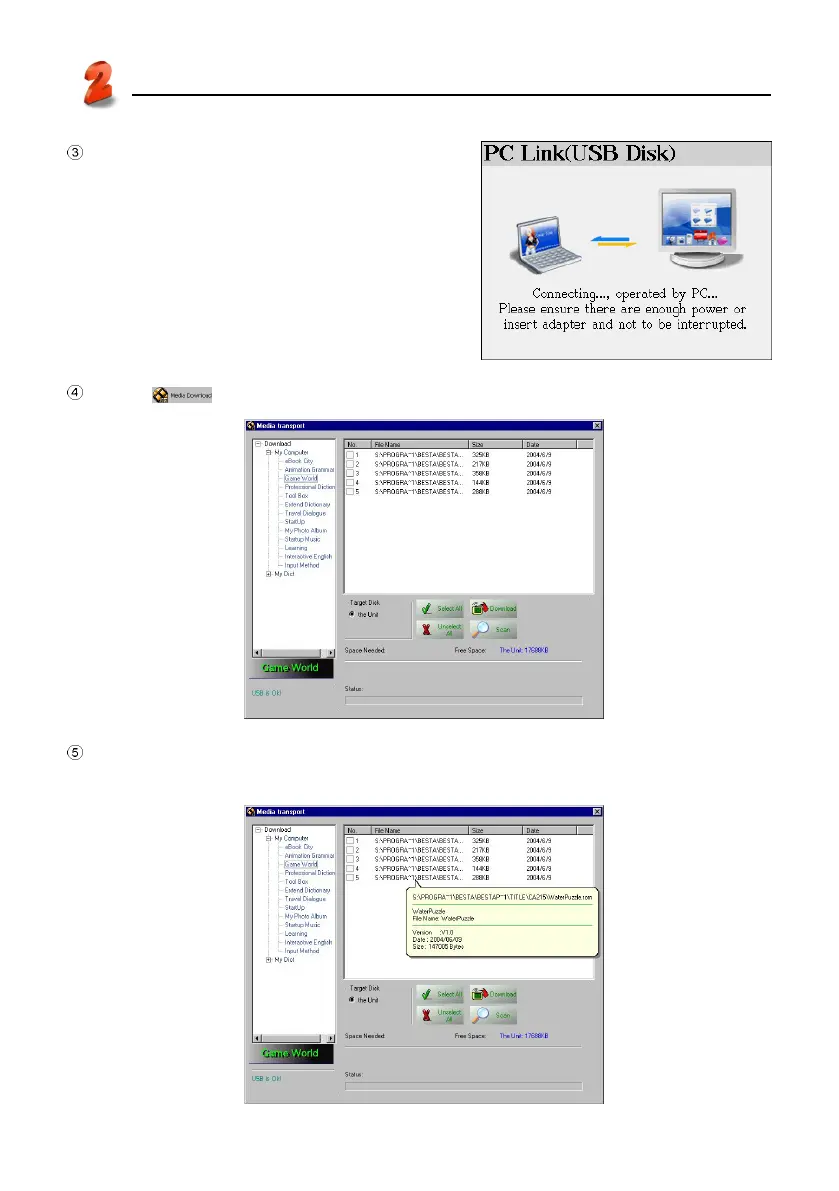
After the USB cable is connected properly, the
screen appears as right. (You may select “F4SYS”
→ “1.Communication with PC)
Click “ ” in PC Service Home to access the download screen as picture 17.
17
Browse the content and the size of file as picture 18-1. (For start-up ring, you can prelisten;
for Animation Grammar, you may browse the content first, and then select to download.)
18-1



 To Next Page