24
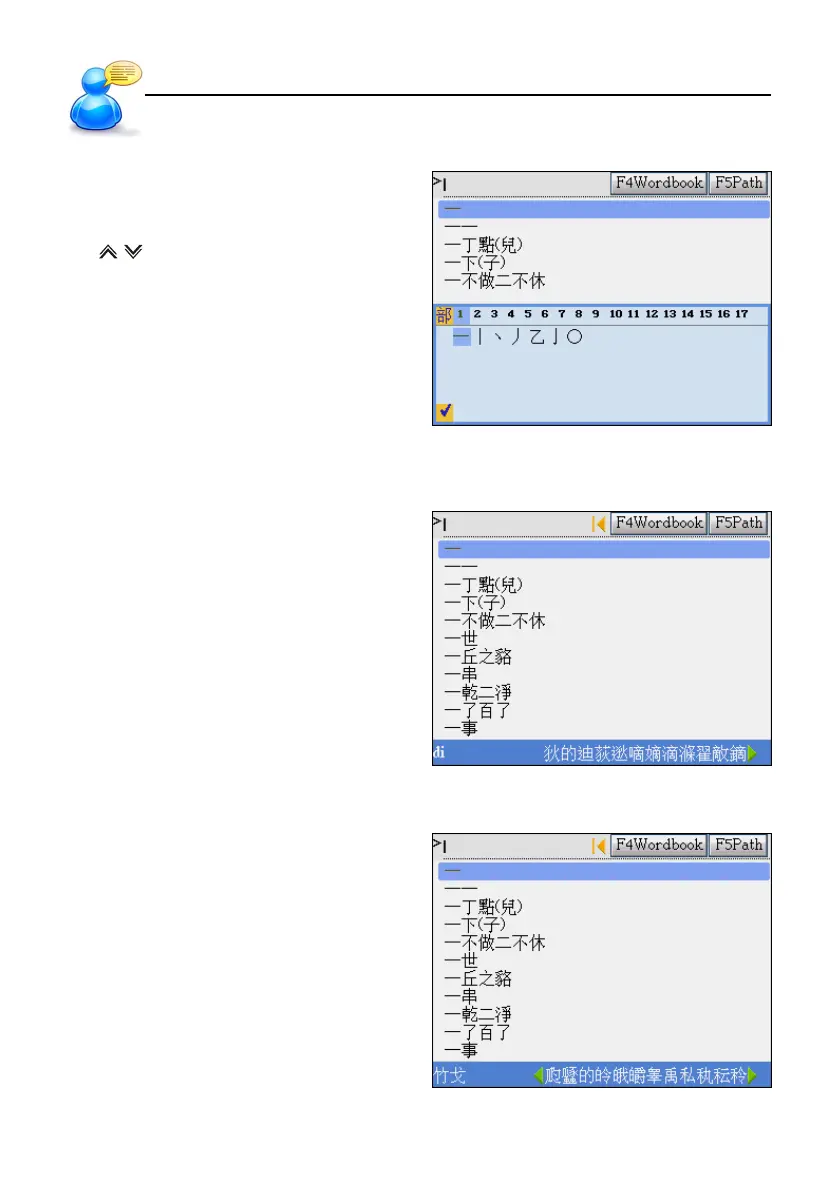
Radical Stroke
Press the direction keys to select
” 部首/漢字/殘筆 ”(radical/Chinese/remaining
stroke)
Tap or press page up/down to select the
stroke of ” 部首/殘筆 ”(radical/remaining stroke)
Press [SPACE] to select the desired character.
Cantonese Pinyin
Input “di”
Then click the desired character.
Simplified ChangJie
Input ” 竹戈 ”
Then click the desired character.
User Guide
Input Methods



 To Next Page