BestCode Next Series 8 Technical Manual October 2022 Page 33 of 290
How to use a Data Matrix & QR Code in a message
When creating a message with a Data Matrix, the most important feature is ensuring that adequate spacing is provided
between the Data Matrix and any other text or graphics in the message. If the Data Matrix is too close to another field, it
will be difficult for the barcode scanner to determine the Data Matrix alignment and will then make it near impossible to
read.
DotCode
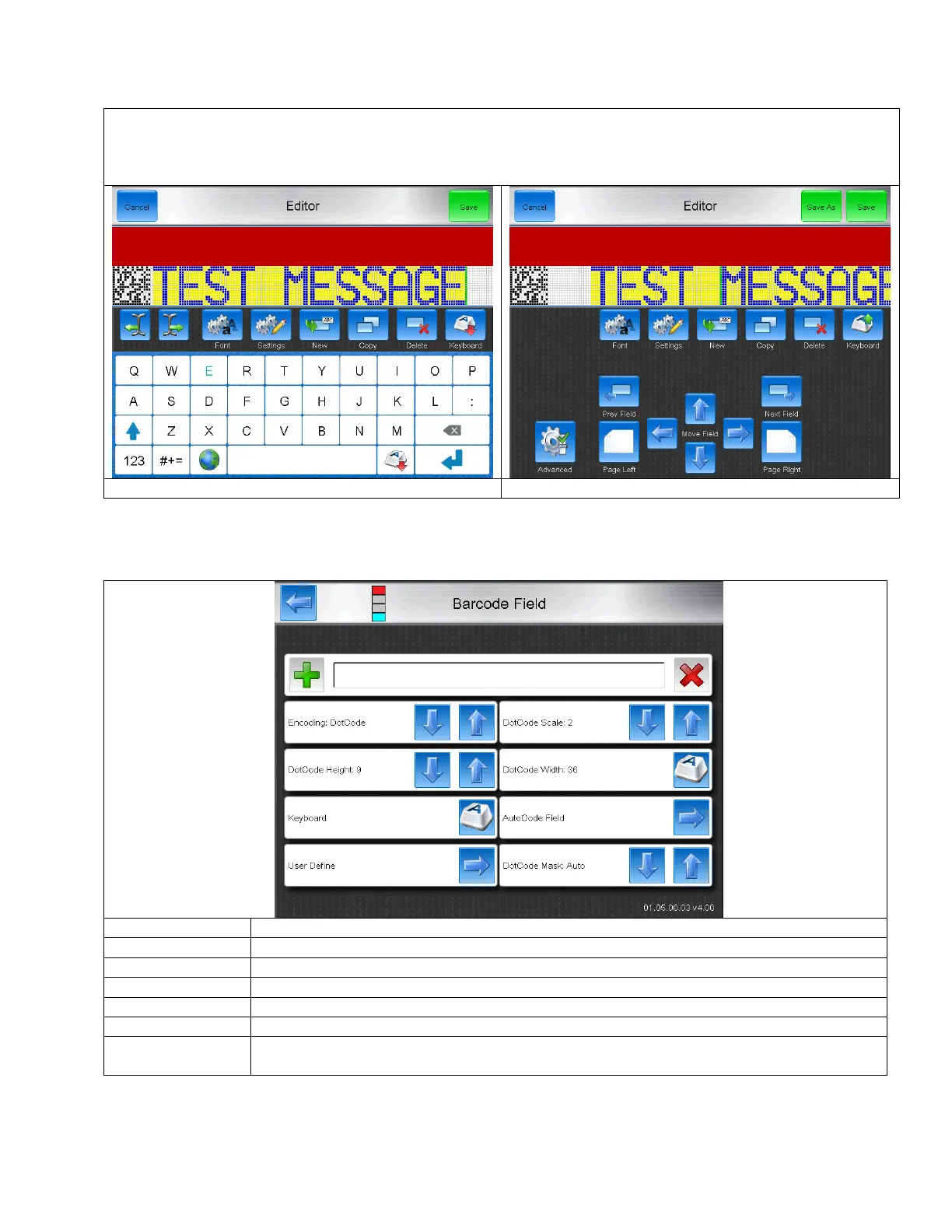
DotCode is a specialized high speed barcode where drop placement is less critical than in 3D barcodes.
Increases number of vertical drops in the barcode
Increases length of the barcode
Brings up the on screen keyboard for typing in text to the barcode.
Insert Autocode data into the barcode
Insert a User Define field into the barcode.
Normally set to Auto. Allows specific masking to increase processing time vs. ease of readability
between varying data codes or to meet specialized application setups.



 To Next Page