KBW (E6) 11/2016 page 115/147
19.4 Analog outputs for temperature (option)
With this option the chamber is equipped with analog outputs 4-20 mA for temperature. These outputs
allow transmitting data to external data registration systems or devices.
The connection is realized as a DIN socket (3) in the right lateral control panel as follows:
PIN 1: Temperature –
PIN 2: Temperature +
Temperature range: -10 °C / 14 °F to +100 °C / 212 °F
A suitable DIN plug is enclosed.
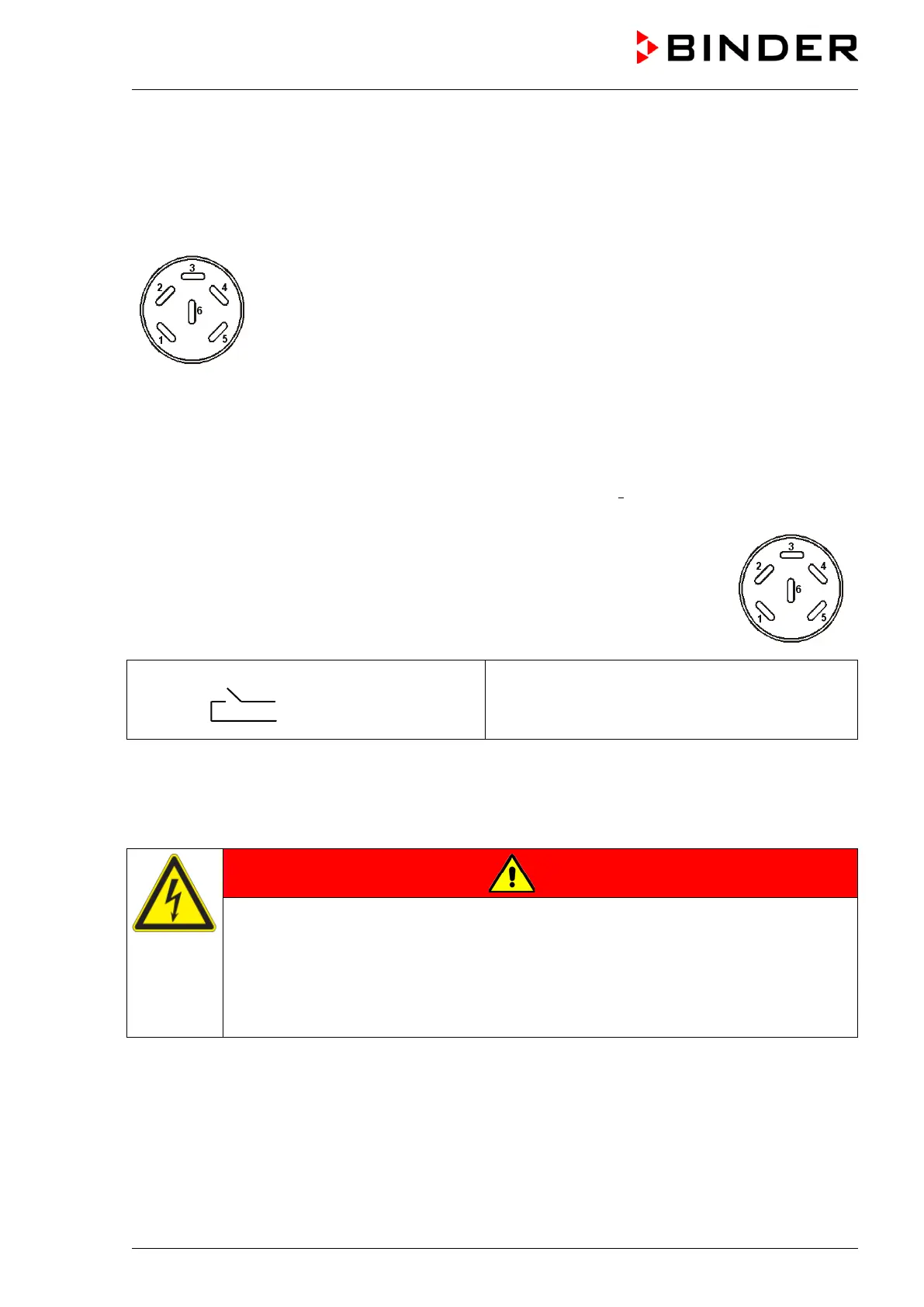
Figure 20: Pin allocation of DIN socket (3) for option analog outputs
19.5 Zero-voltage relay alarm outputs for temperature (option)
The chamber equipment with optional zero-voltage relay outputs for temperature (op-
tion) permits the transmission of alarms to a central monitoring system. Connection is
established via a DIN socket (6) located on the right lateral control panel.
Figure 21: Pin configuration of the DIN socket (6)
Pin 1: Pin
Pin 2: Make
In case of a temperature alarm, pins 1 and 2 are open. This happens simultaneously with the alarm mes-
sage shown on the controller display.
In case of power failure, both contacts are open.
Maximum loading capacity of the switching contacts: 24V AC/DC - 2,5A
DANGER
Electrical hazard.
Danger of death.
Damage to switching contacts and connection socket.
∅ Do NOT exceed the maximum switching load of 24V AC/DC – 2.5A.
∅ Do NOT connect any devices with a higher loading capacity.
A temperature alarm message will remain visible on the controller display during the whole time of the
alarm transmission via the zero-voltage relay outputs.
As soon as the cause of the alarm is rectified, you can reset the alarm transmission via the zero-voltage
relay outputs together with the alarm message on the controller.



 To Next Page