KBW (E6) 11/2016 page 53/147
Programming in the “step” mode allows only two kinds of temperature transitions:
• Programming gradual changes of temperature (ramps) is impossible in the “step” mode
• Program sections with constant temperature
The setpoints (target values) of two subsequent program sections are identical; so the temperature
remain constant during the entire duration of the first program section.
• Sudden changes of temperature
The entered setpoint of the section is reached as fast as possible and then held constant for the re-
maining section duration.
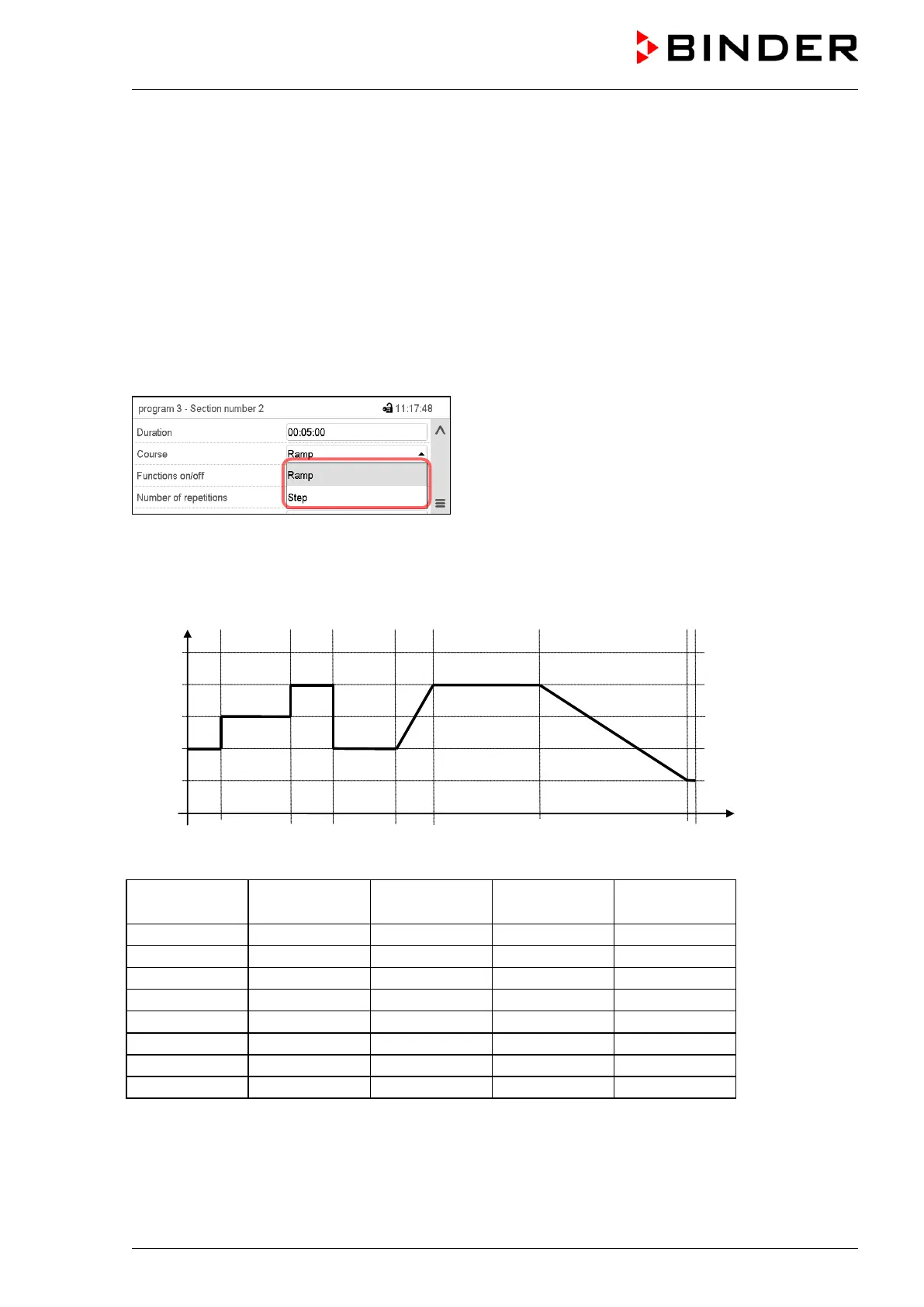
Selecting the setting “Ramp” or “Step”
Section view (partial view).
In the field “Course” select the desired setting “Ramp”
or “Step”.
“Ramp” and “Step” mode example (representation of a temperature course)
Corresponding program table
Section No.
Ramp or Step



 To Next Page