CB / CB-UL, CBF / CBF-UL (E7) 01/2022 Page 131/199
15. General information
15.1 Service contact page
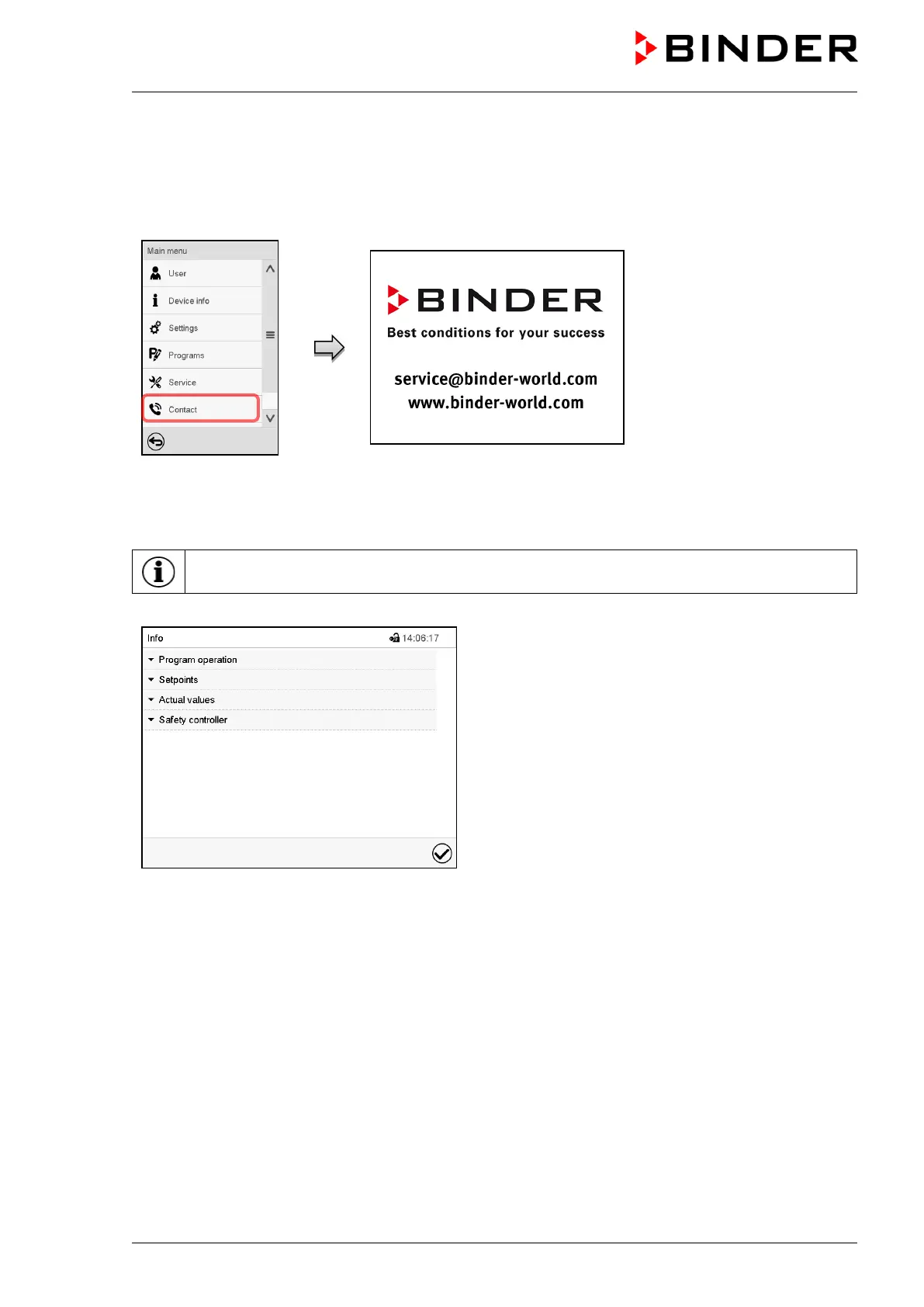
Path: Main menu > Contact
15.2 Current operating parameters
Press the Information icon to access the “Info” menu from Normal display.
“Info” menu.
Select the desired information.
• Select “Program operation” to see information on a currently running program.
• Select “Setpoints“ to see information on the entered setpoints and operation lines.
• Select “Actual values” to see information on the current actual values.
• Select “Safety controller” to see information on the safety controller status.



 To Next Page