CB / CB-UL, CBF / CBF-UL (E7) 01/2022 Page 79/199
8.2 Stopping a running timer program
8.2.1 Pausing a running timer program
Press the Program pause icon to interrupt the program.
The program is paused. The program runtime stops running down, the time display flashes.
There are the following options:
Press the Program start icon to continue the program
Press the Cancelling icon to cancel the program
8.2.2 Cancelling a running timer program
Press the Program cancelling icon to cancel the program.
A confirmation prompt is displayed. Press the Confirm icon to confirm that the program shall really be
cancelled.
After confirming the message the controller changes to Fixed value operation mode. The chamber will then
equilibrate to the setpoints of Fixed value operation mode.
8.3 Performance after the end of the program
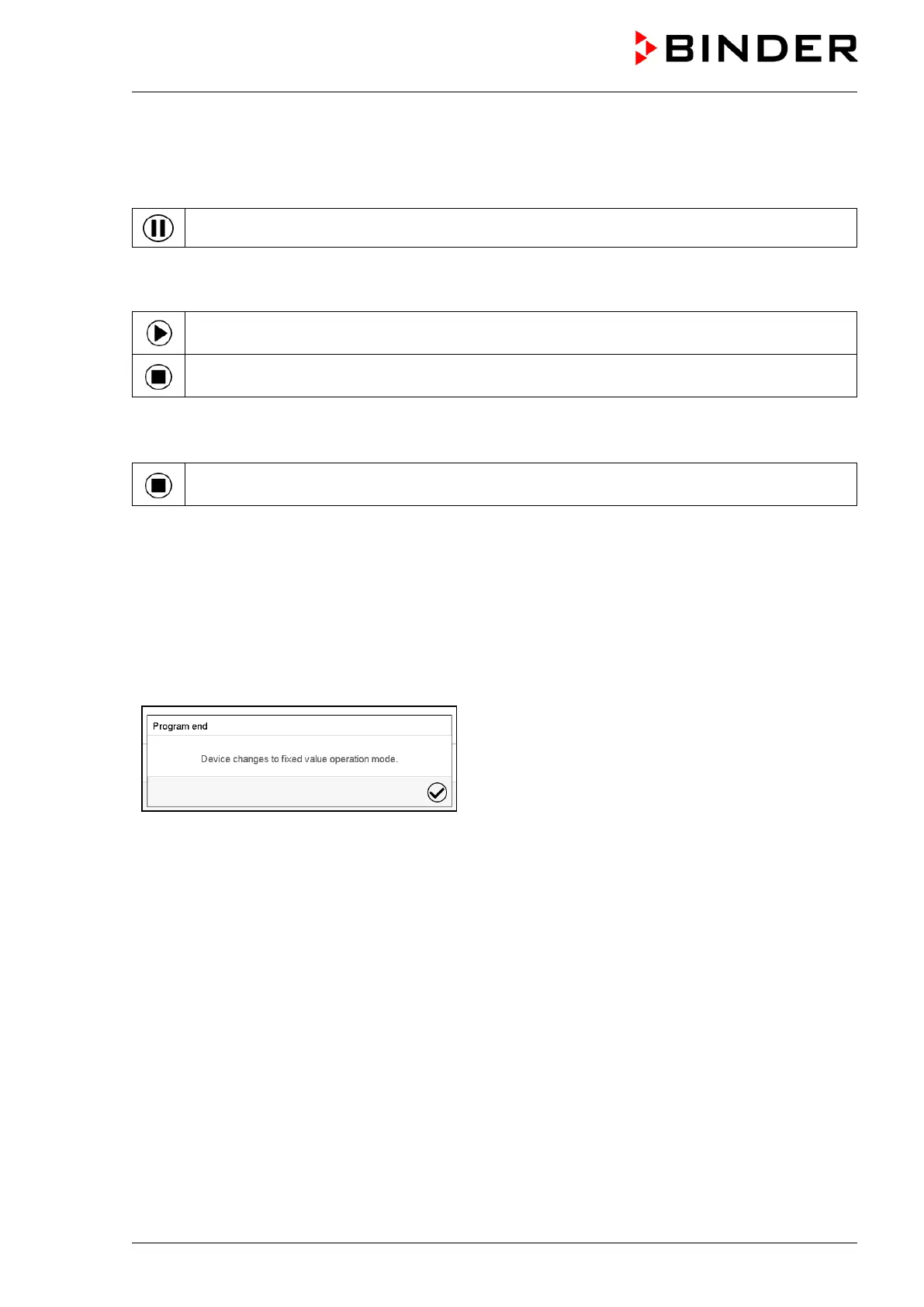
After the end of the program the message “Device
changes to fixed value operation mode” appears on
the screen.
Press the Confirm icon.
After confirming the message the controller changes to Fixed value operation mode. Temperature and
humidity will then equilibrate to the setpoints of Fixed value operation mode.



 To Next Page