CB / CB-UL, CBF / CBF-UL (E7) 01/2022 Page 75/199
7.2 Direct setpoint entry via Normal display
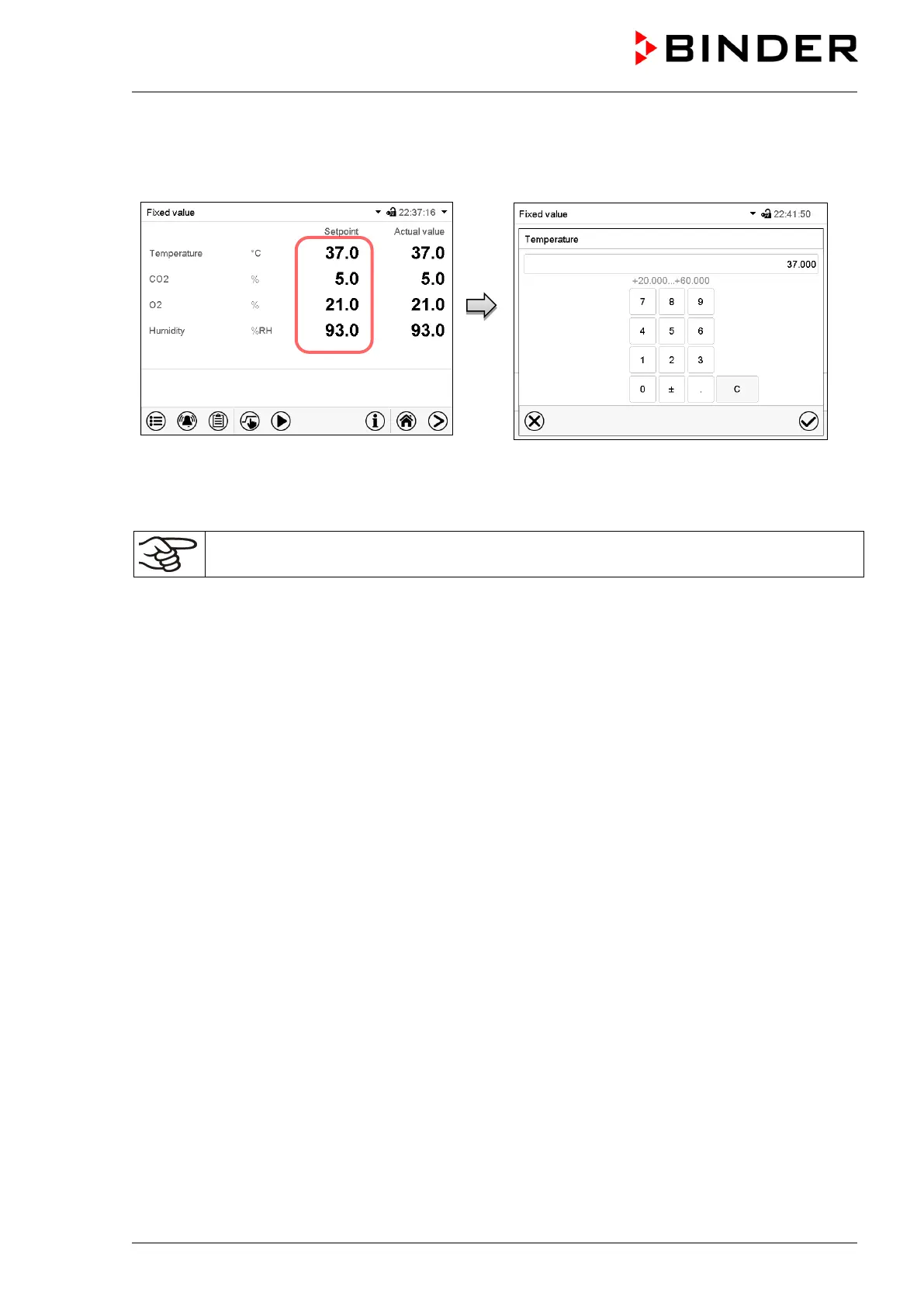
Alternatively you can also enter the setpoints directly via Normal display.
Normal display. Select the setpoint you want
to change.
Example: “Temperature” entry menu. Enter the
desired setpoint and confirm entry with Confirm
icon.
When entering a humidity setpoint value > 90 % r.h. a message window appears, indicating
that condensation is possible. Press the Confirm icon.



 To Next Page