KB (E4 + E6) 02/2017 page 114/148
Maximum loading capacity of the switching contacts: 24V AC/DC – 2.5A
DANGER
Electrical hazard.
Danger of death.
Damage to switching contacts and connection socket.
∅ Do NOT exceed the maximum switching load of 24V AC/DC – 2.5A.
∅ Do NOT connect any devices with a higher loading capacity.
The zero-voltage relay alarm contact is activated in case of temperature tolerance range alarm and in
case of a power failure.
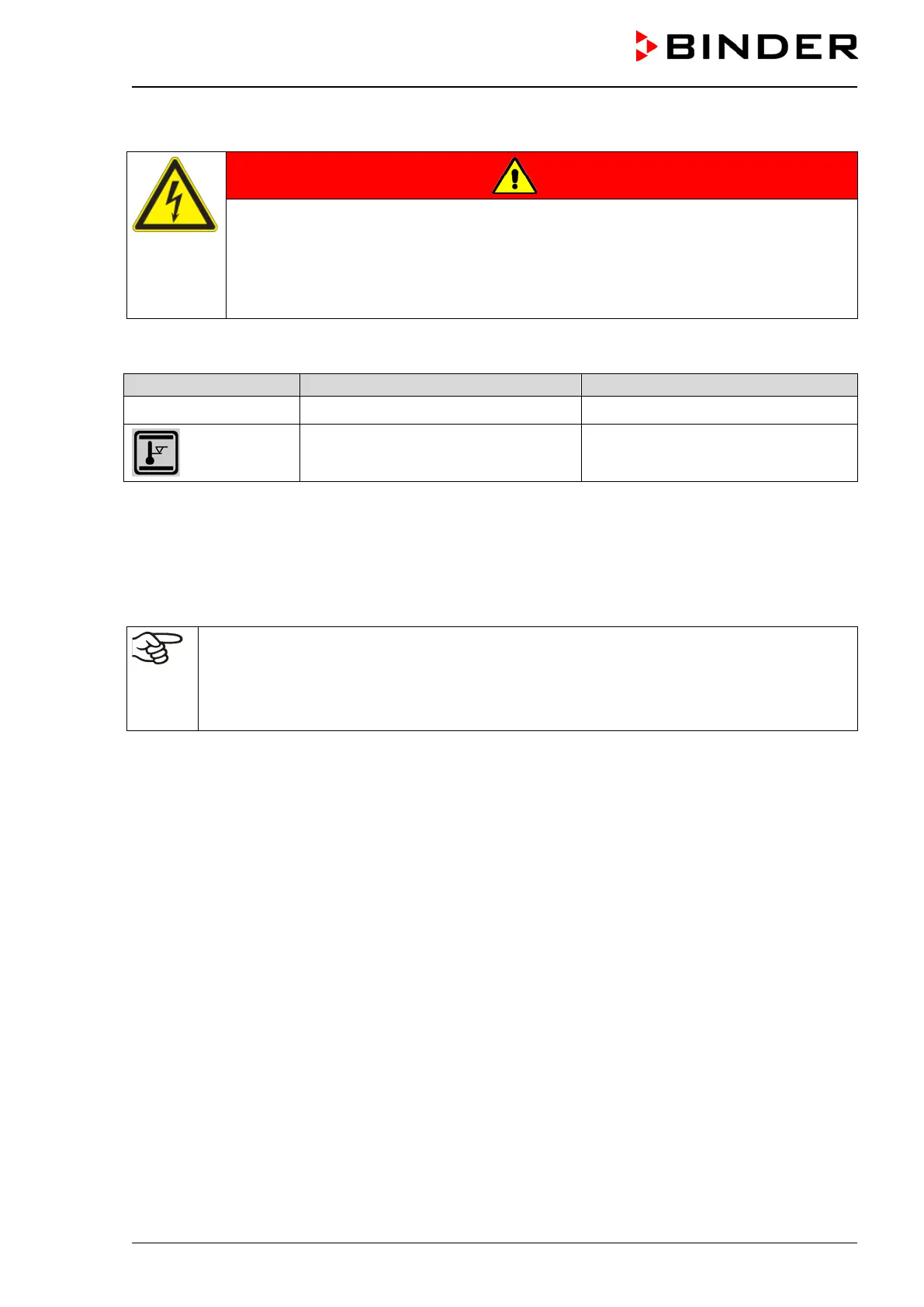
Error when icon is displayed
Switching the alarm contact
Power failure immediately
Temperature tolerance range alarm 10 minutes after the error occurred
A temperature alarm message will remain visible on the controller display during the whole time of the
alarm transmission via the zero-voltage relay contact.
As soon as the cause of the alarm is rectified, you can reset the alarm transmission via the zero-voltage
relay outputs together with the alarm message at the controller display by pressing the “RESET” key.
In case of a power failure, transmission of the alarm via zero-voltage relay outputs remains active for the
duration of the power failure. Afterwards, both contacts will close automatically.
When using the communication software APT-COM™ 3 DataControlSystem (option, chap.
19.1) via the Ethernet interface or the optional RS422 interface of the chamber for data acqui-
sition, the alarm message is not recorded in the APT-COM™ protocol.
Set the tolerance limits for limit alarms by APT-COM™ 3 separately in the APT-COM™ 3
measuring window.
You can switch on and off the alarm output for test purpose. To access this function, select
Menu > Optional equipment > Alarm output temperature (chap. 7.3).







 To Next Page