25
Shutting Down the System at the End of the Day
At the end of the day:
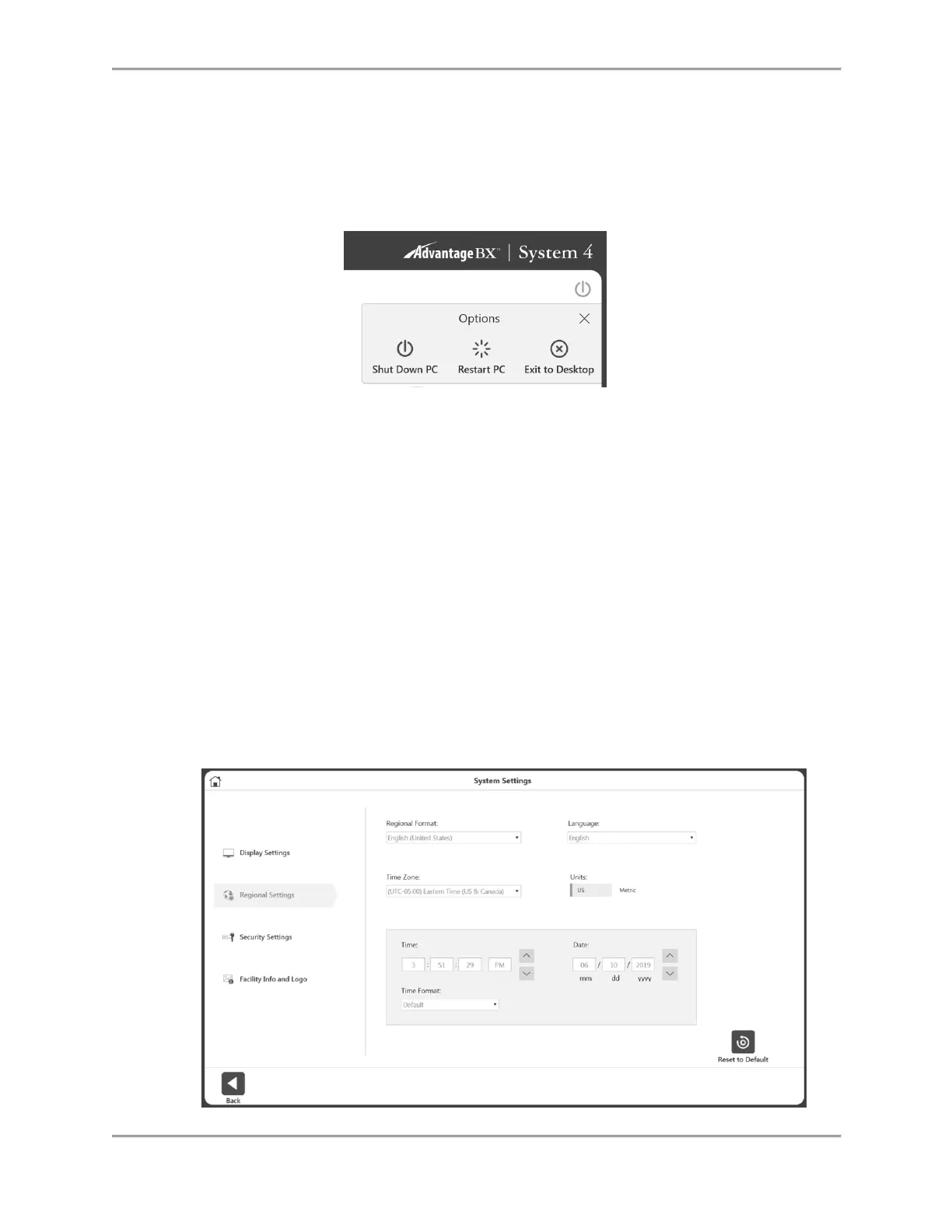
1. Close the Advantage BX Software application by selecting the Power icon at the top right
corner of the screen. The following choices display: Shut Down PC, Restart, PC, and Exit
to Desktop.
2. Choose the “Shut Down PC” option. It will close the application and shut down the PC.
NOTE: Failure to shut down the system properly may result in lost or damaged files.
3. Leave both green Dynamometer and Power switches on.
4. Turn off the Main Power switch.
Regional Settings
Adjust the Regional Settings before using the software:
1. On the Home screen, select Utilities.
2. Select System Settings and enter the default code “159”.
3. Select Regional Settings.
4. Choose your preferred Units (Metric or US units).
5. Change the other properties of the System (PC) according to your region (Language,
Time Zone, Date and Time, Format). Once a language is chosen, the application will
display text in that language.



 To Next Page