72
Utilities
Accessing the Utilities options may require an access code to be entered. The default access
code is 159. We recommend changing it.
NOTE: The access code is always enabled for the Utilities, Protocol Management, Patient
Management, Application Settings, and Data Management. This cannot be disabled. You can
change the access code in the System Settings, and enable an access code for entering the
application.
Patient Management
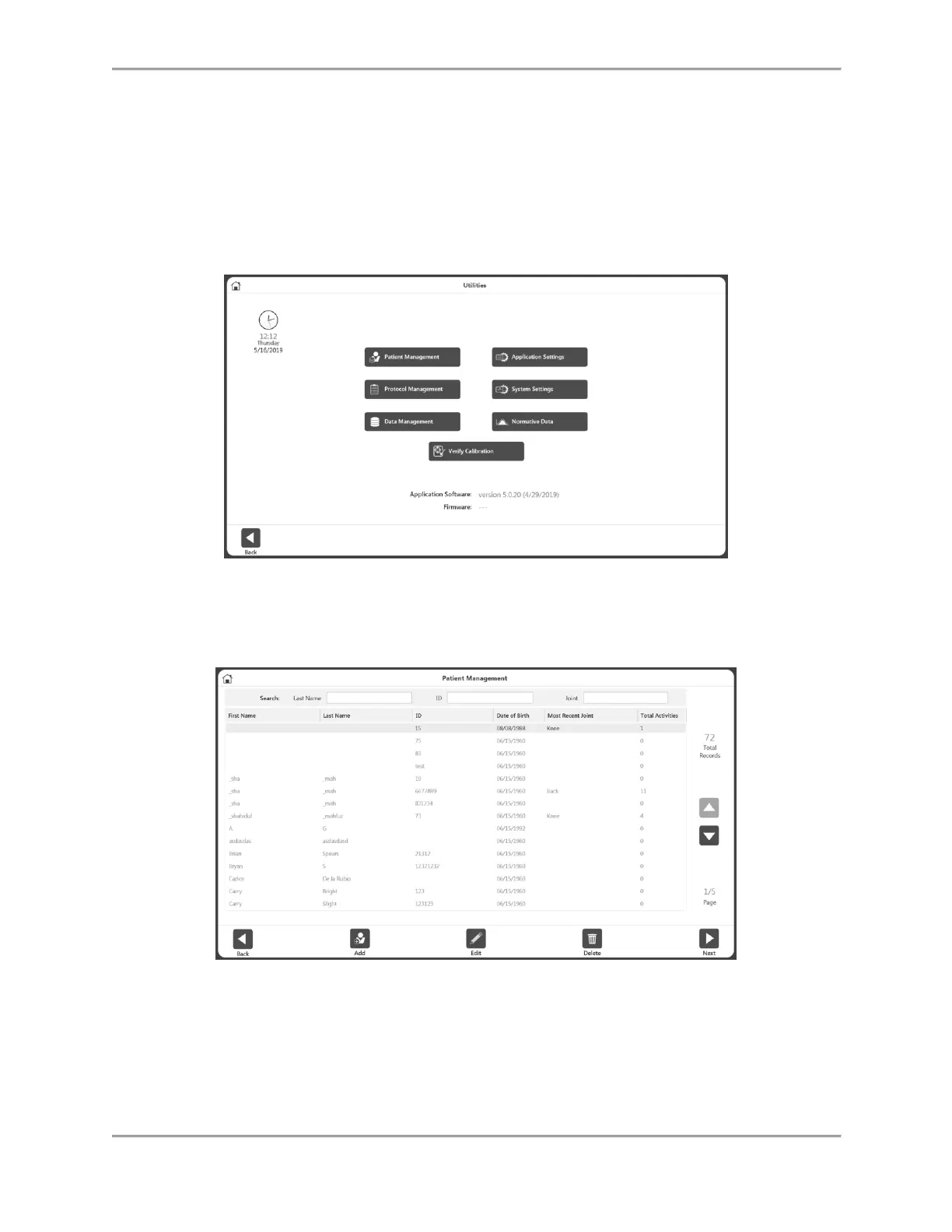
1. Enter Access Code 159 and select the OK icon.
2. Select the Patient Management button.
3. On the Patient Management screen, select a patient using the touch screen and the up
and down arrows or use the Add icon to add a new patient. You can also use the Back
icon to return to the previous screen, the Edit icon to edit the highlighted patient, and
the Delete icon to delete the highlighted patient.
NOTE: A patient can be searched for using the search criteria given on the top section.
Alternatively, the list can be sorted by clicking on the column headers. When searched, it
will display the activities in joint group of that patient.



 To Next Page