52
Training Setup
To start a new Training session:
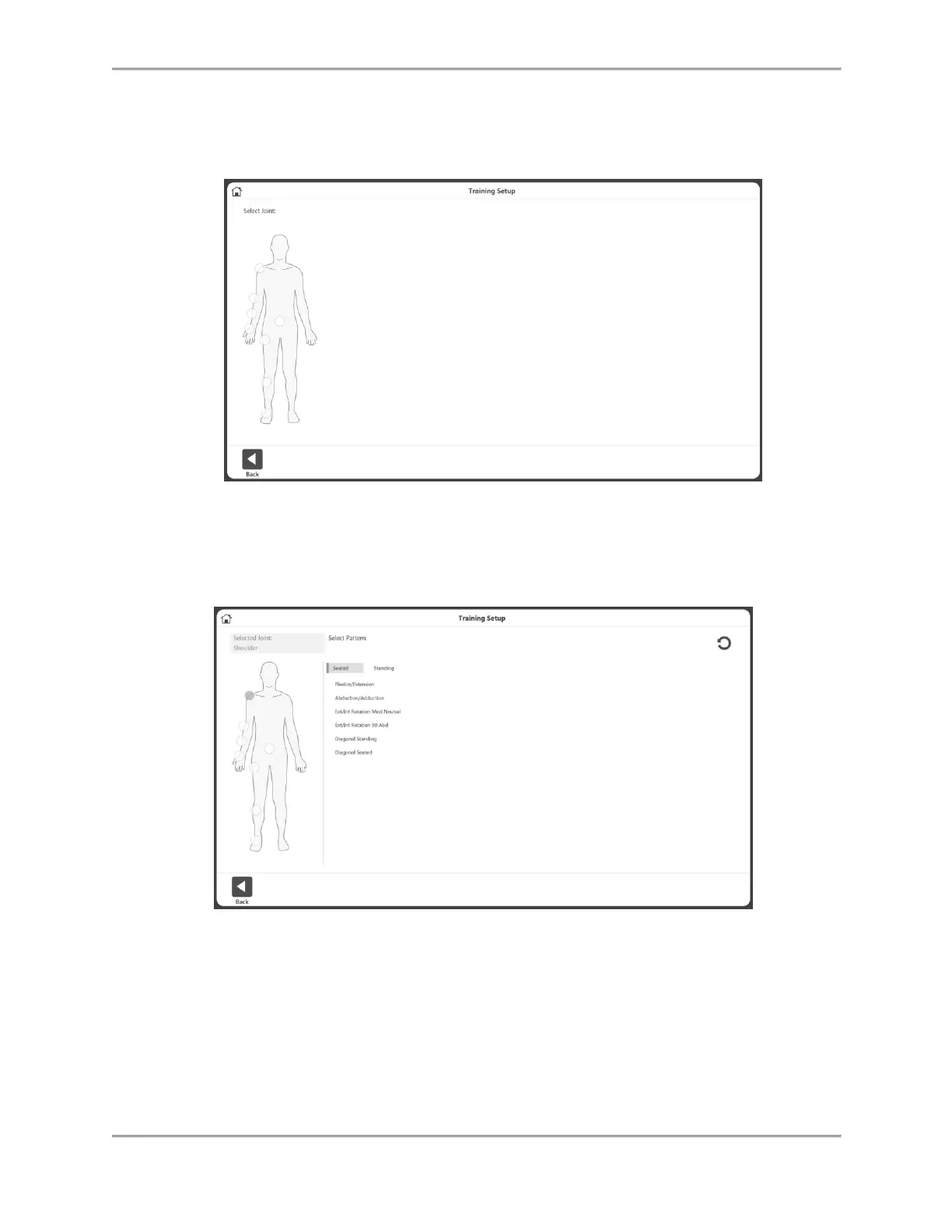
1. Click the Training icon. The Training Setup screen displays.
NOTE: Use the Home icon at the top of the screen at any time
to return to the Home screen.
NOTE: Select the Back button to return to the previous screen.
2. Select a joint: Shoulder, Elbow, Forearm, Wrist, Back, Hip, Knee, or Ankle.
3. Select Seated or Standing (if applicable). Select a pattern.



 To Next Page