94
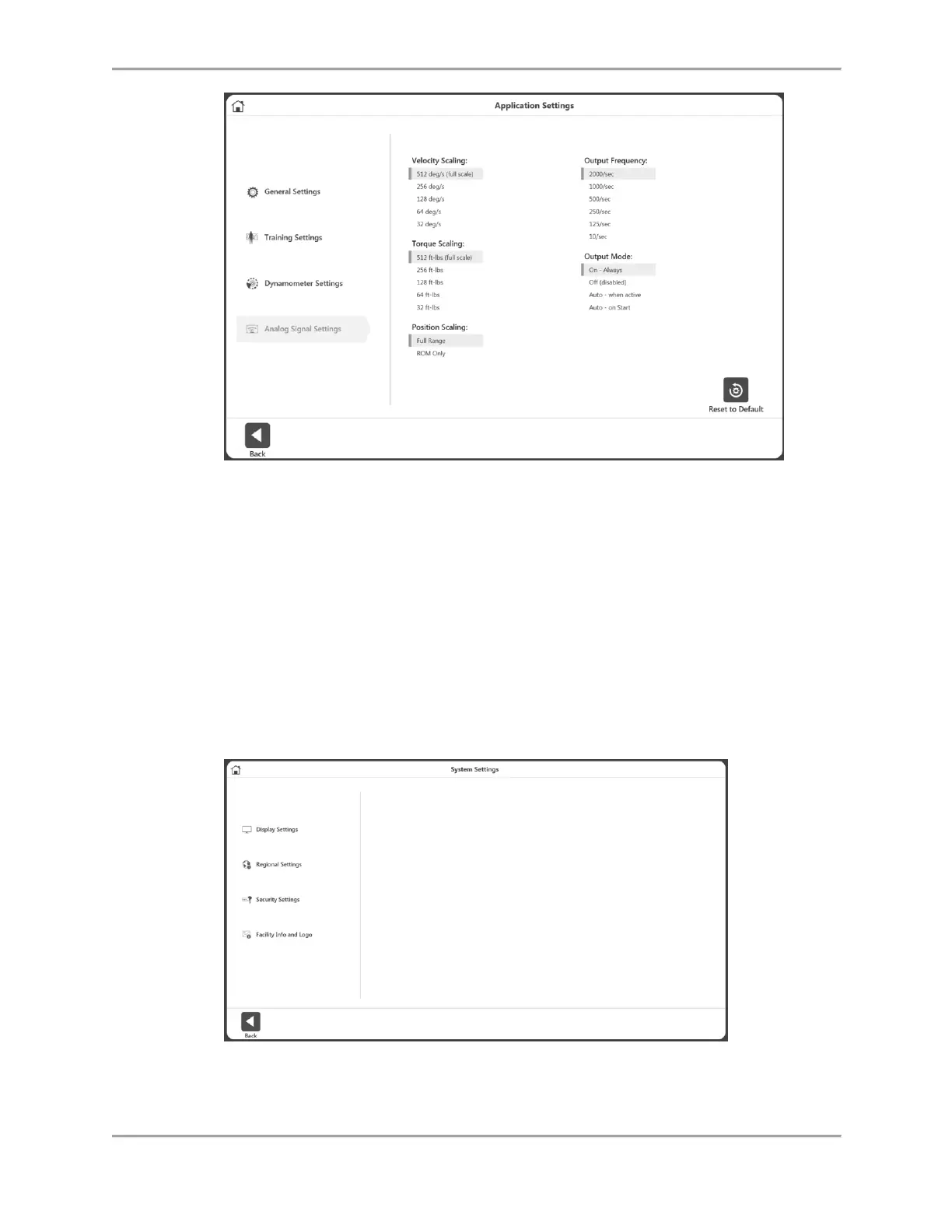
To adjust the Analog Signal Settings:
1. Select Utilities on the Home screen.
2. Select System Settings and then Analog Signal Settings.
3. Set the Velocity Scaling, Torque Scaling, Position Scaling, Output Frequency, and/or
Output Mode.
4. Select the Back or Home icon to return to a previous screen.
System Settings
Any changes made to the System Settings on this screen will be saved. When the Reset to
Default icon is selected, it will only reset the section the user is currently on. Each of the System
Settings will be explained in this section.



 To Next Page