77
Data Management
Data Management can be accessed through the Utilities option on the Home screen.
Exporting
The Exporting functionality and various export formats available will be explained in this
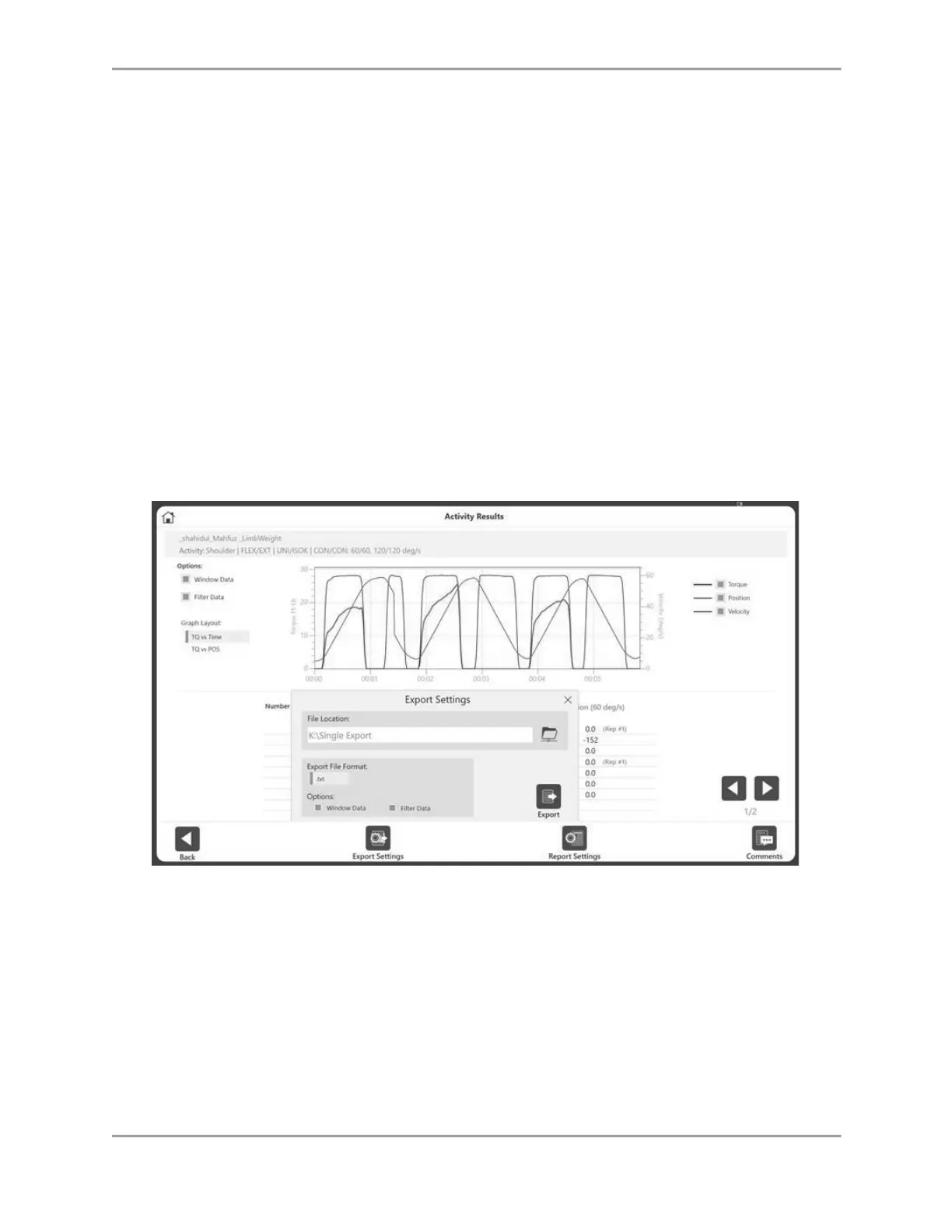
section. Multiple Data Export can be accessed through Data Management, while Single File
Export can only be accessed from the Activity Results screen.
Single File Export
To export a single file:
1. On the Home screen, click Utilities.
2. Select Patient Management.
3. Select a patient.
4. Select an Activity.
5. On the Activity Results screen, select the File Location.
NOTE: The Export File Format for single file export is .txt.
6. Select Options, such as Windows Data and Filter Data.
7. Select the Export icon.
8. Open the application of your choice to import the .txt file (example: Microsoft Excel).
NOTE: It is best to import the .txt file prior to opening.



 To Next Page