99
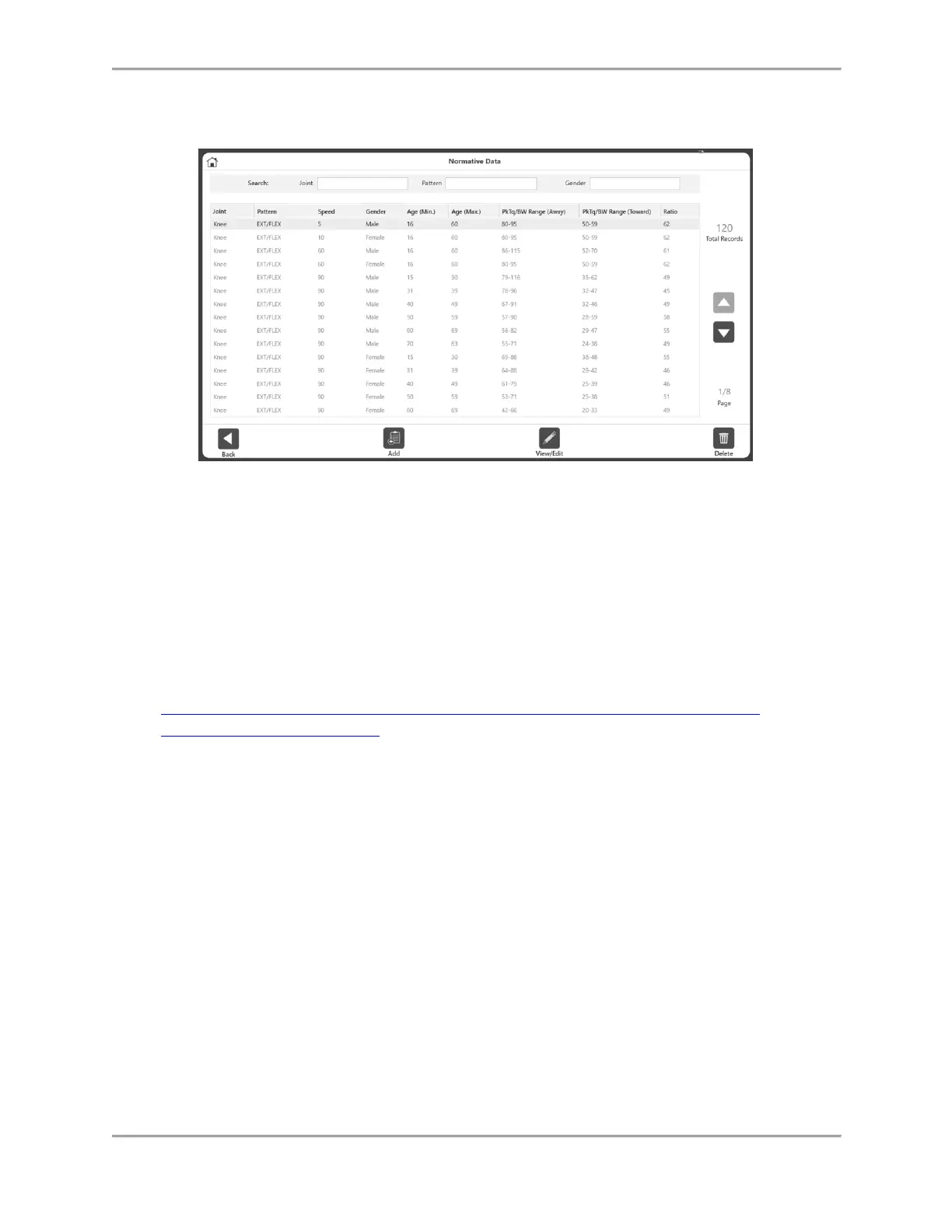
Normative Data
To access the Normative Data:
1. On the Home screen, click Utilities.
2. Select Normative Data.
From the Normative Data screen you can:
View a set of Normative Data.
Edit Normative Data.
Narrow down the Normative Data using the Search function or up and down arrows.
NOTE: For further information, visit the System 4 Clinical Resources page:
https://www.biodex.com/physical-medicine/products/dynamometers/system-4-
pro/clinical-resource-manual



 To Next Page