71
Dynamometer Status
A Communication Error message will display if the dynamometer has been disconnected from
the software. Reconnect the computer cable from the dynamometer to the PC, and select the
Resume icon to recover.
NOTE: You may need to restart the PC after the cable has been reconnected.
If the Resume icon does not recover the system, perform a full power cycle:
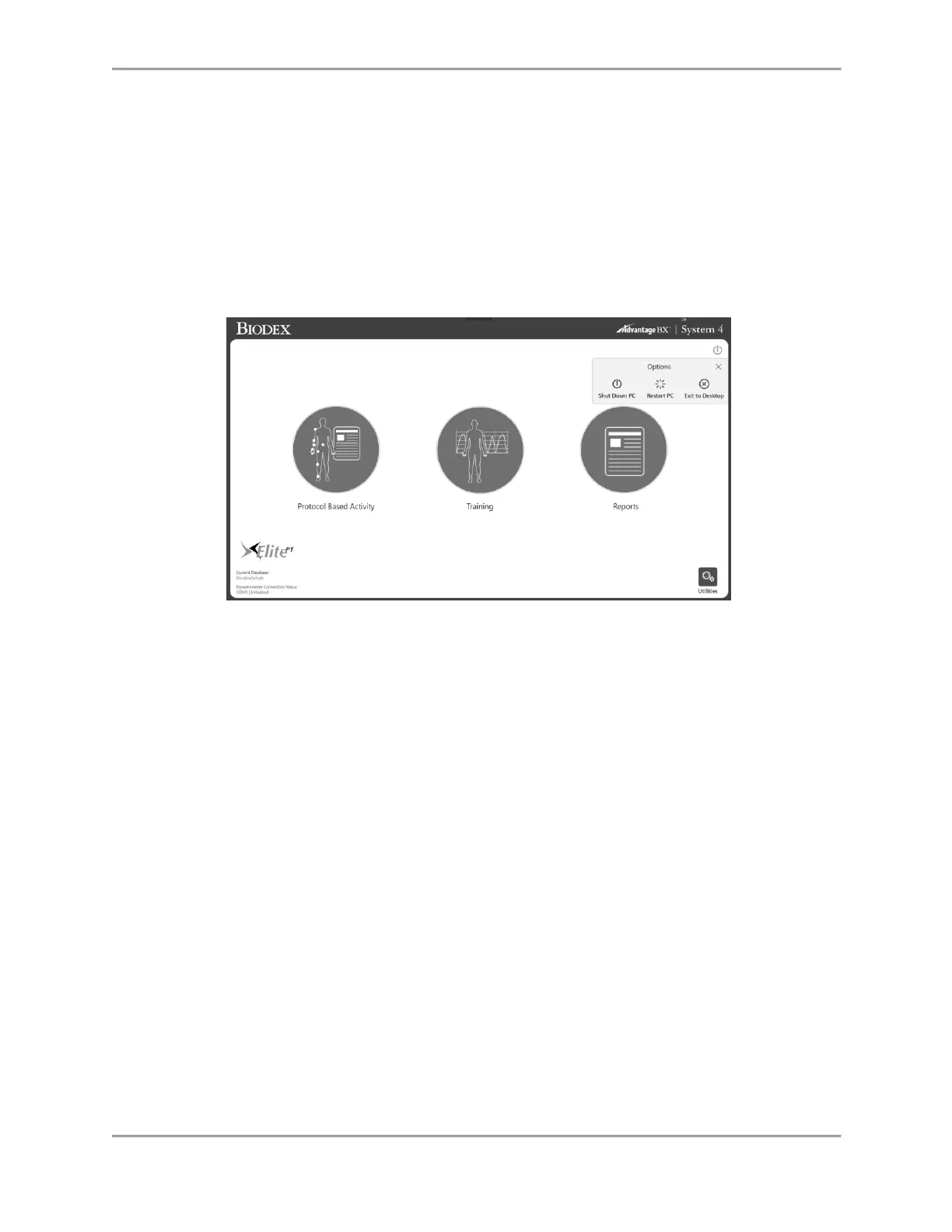
1. Shut down the PC by selecting the Power icon on the top right of the screen and
selecting “Shut Down PC”.
2. On the back of the cart, turn the Main Power switch off and then back on.
3. Turn the PC power back on (left side of the cart).



 To Next Page