34
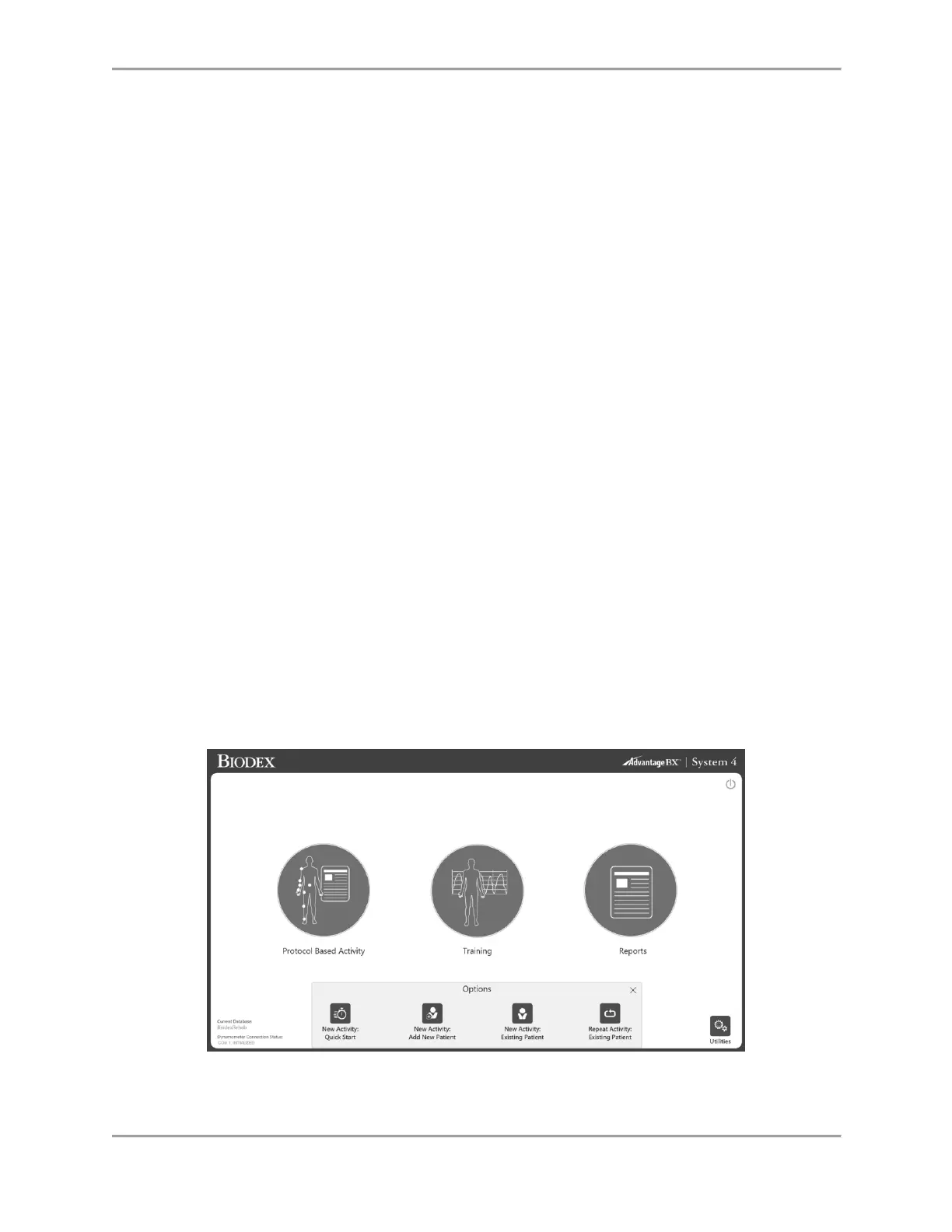
10. If a Bilateral Activity (test) is selected via repeating an activity, and only the involved side
is desired, use the skip button to skip the uninvolved side.
11. Reports: Report by date or Report by patient
Note: Make a selection to Select a report type.
a) Report by Date: Bottom Left Report by Patient: Top right
12. Utilities provide access to patient management and application settings.
Default Access code = 159
a) Patient Management – Add, delete, or edit patient information.
b) Protocol Management – This is where protocols can be created, edited or deleted.
Specific patient activities can be viewed and managed.
c) Application Settings
i. General preferences – Sounds, weigh limb option, scoring window, torque in
and torque out.
ii. Training settings – Rest time, cushion setting, isometric contract/relax
settings.
iii. Dynamometer settings – Isokinetic, isometric, etc. threshold settings.
iv. Analog Signal Settings – Where Torque, Position, and Velocity outputs are
scaled. No longer requires a separate software program.
d) System Settings – Display, Regional, Security, Facility.
e) Data Management
i. Database back-up and restore
ii. Exporting capabilities
a) Normative Data
b) Verify Calibration
Protocol Based Activity



 To Next Page