35
Click the Protocol Based Activity icon and four options will appear: New Activity: Quick Start,
New Activity: Add New Patient, New Activity: Existing Patient, and Repeat Activity: Existing
Patient.
New Activity: Quick Start
To start an activity without having to enter patient information at the beginning, select the New
Activity: Quick Start option. At the end during the Save option, patient information will be
required.
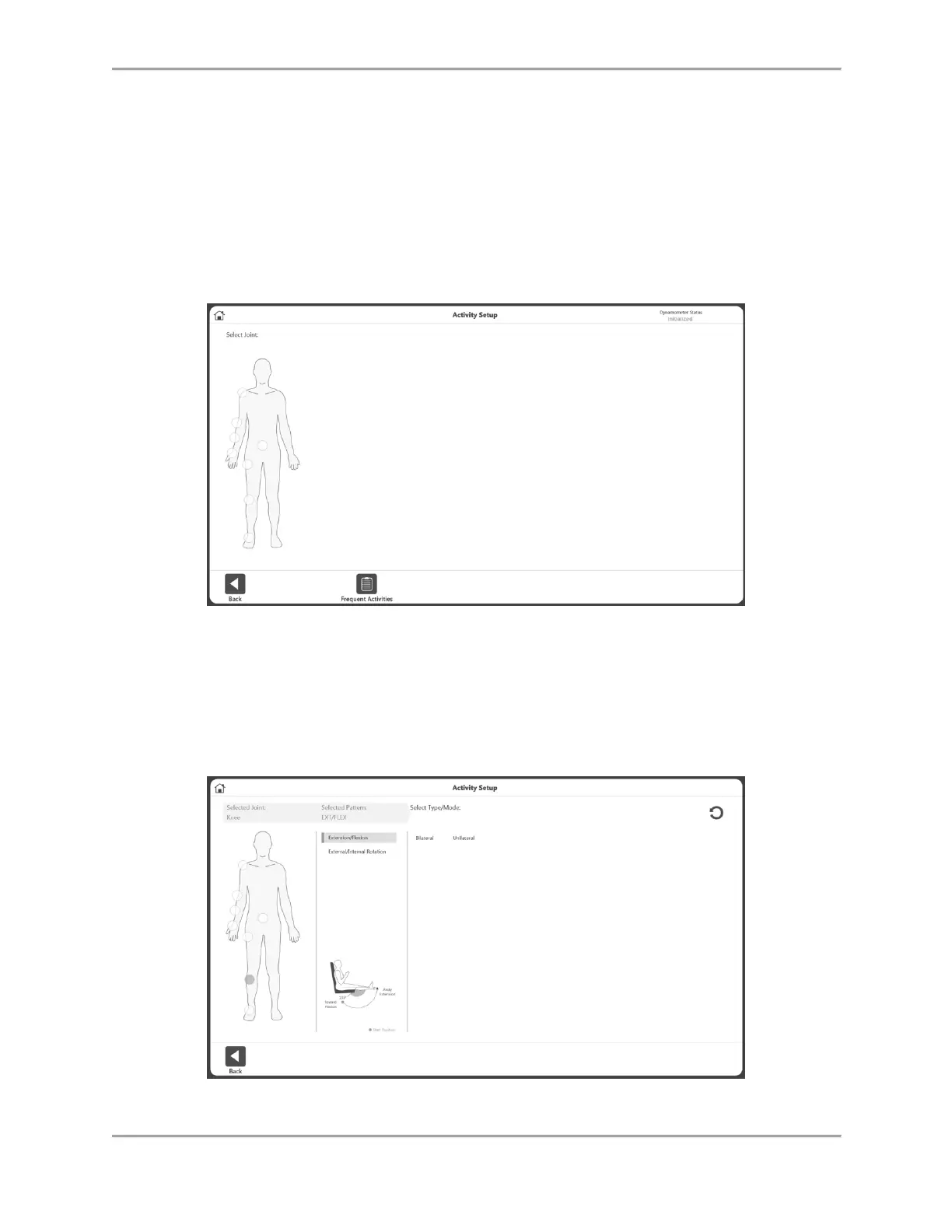
1. Select New Activity: Quick Start. The Activity Setup screen displays.
2. Select a joint: Shoulder, Elbow, Forearm, Wrist, Back, Hip, Knee, or Ankle.
NOTE: To view your list of Frequent Activities, select the Frequent Activities icon. Within
the Frequent Activities list you can remove an activity using the trash icon or pin it using
the pin icon, which will move it to the top of the list.
3. Select Seated or Standing (if applicable/depending on Joint selection). Select a pattern.
4. Select a Type: Bilateral or Unilateral.



 To Next Page