56
Reports
To access reports:
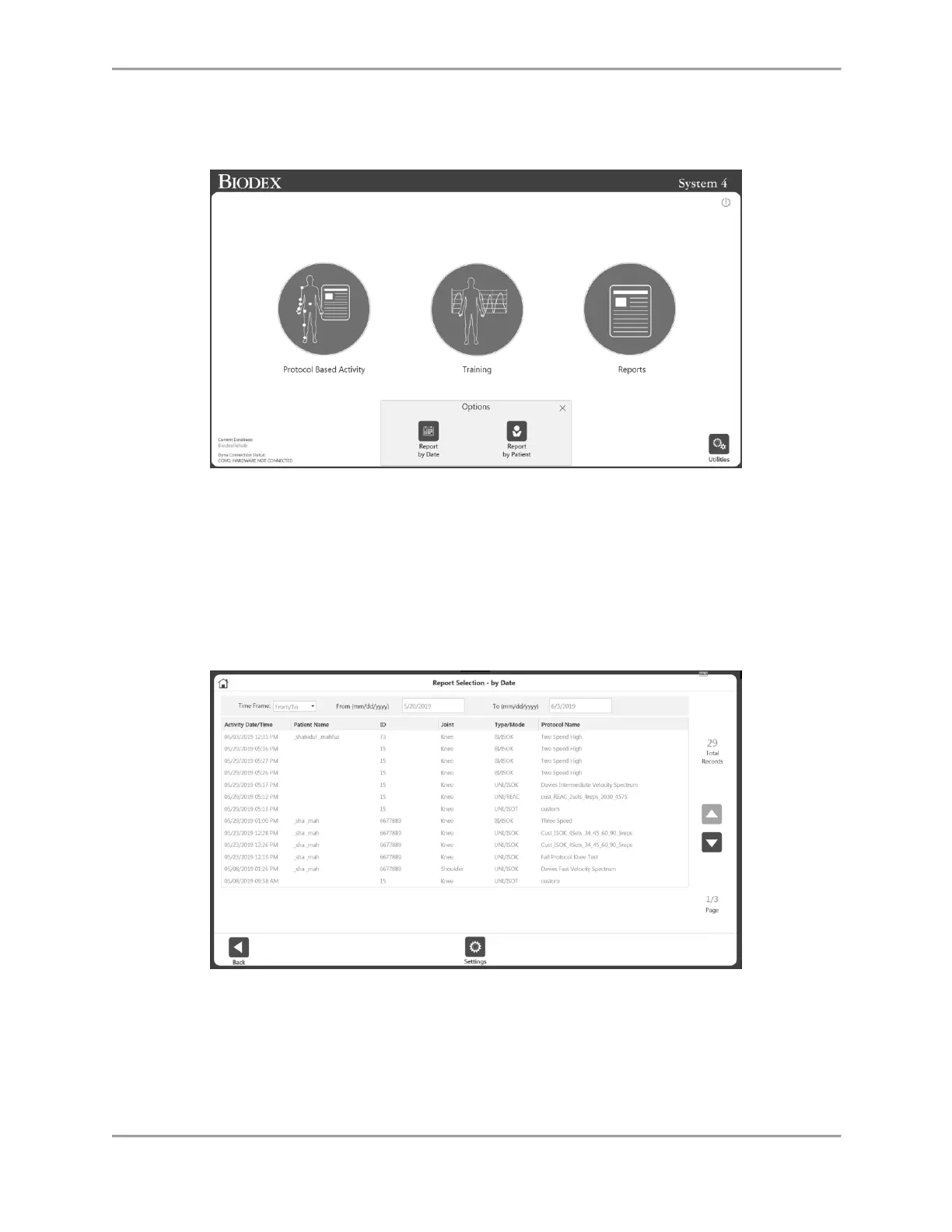
1. Select the Reports icon. Two Options are displayed.
2. Select the Report by Date or the Report by Patient icon.
Report by Date
The Report by Date screen displays the list of activities within the date range defined. This
option allows access to individual reports, not progress reports.
1. Select the Report by Date icon. The Report Selection – by Date screen displays.
2. Select an activity, or, if you need to narrow the results further, first choose from the
options in the Time Frame drop-down menu:
All – See all recorded activities.
From – All activities after a date.
Prior to – All activities prior to a date.
From/To – Enter a date range.



 To Next Page