55
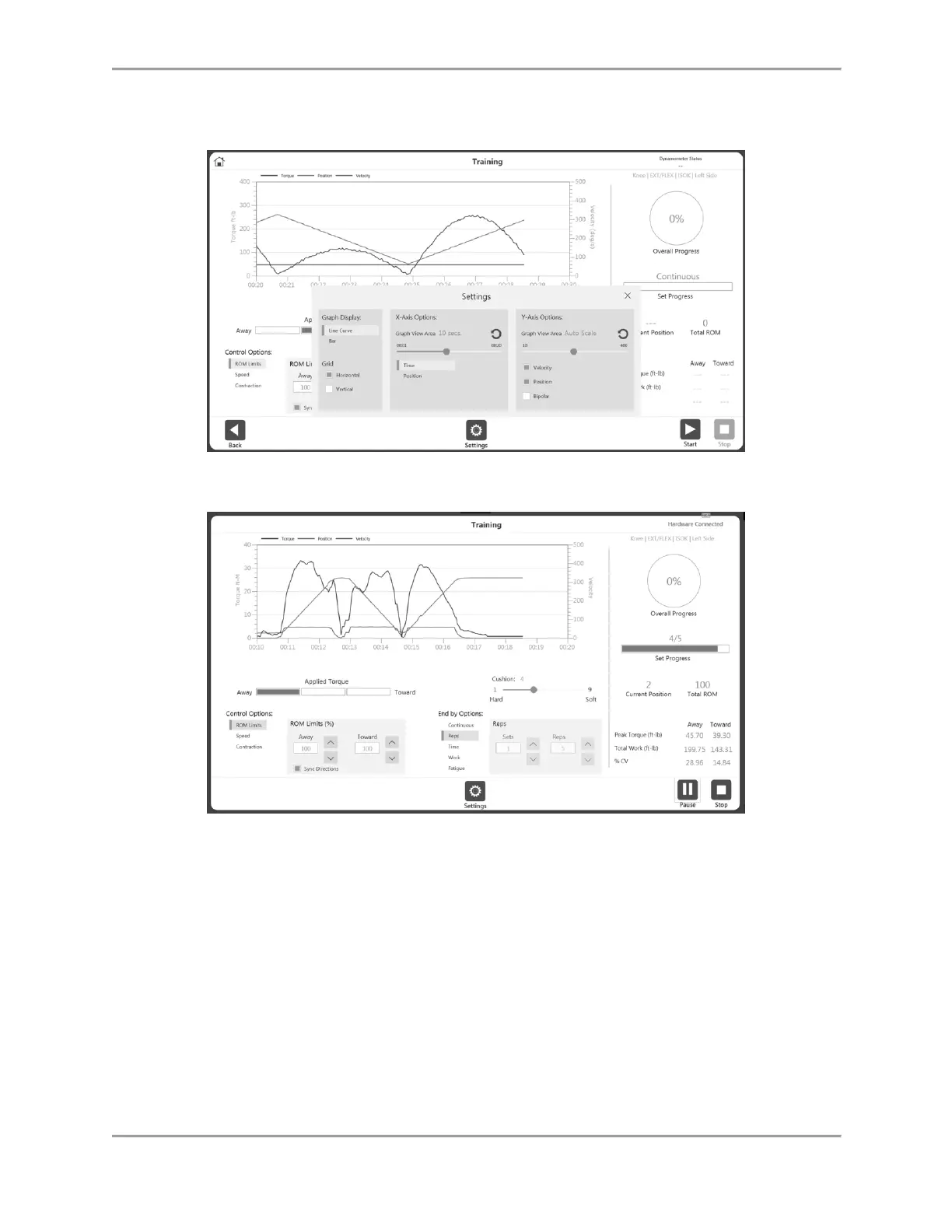
NOTE: The settings icon gives additional options during a Training session,
including Graph Display, Grid, X-Axis Options, and Y-Axis Options.
2. Choose Control Options from the Training screen before starting a session.
3. Control options can be changed during the session (after starting the session) but the
End by Option is not allowed.
NOTE: Enabling the End by Option allows the clinician to specify how the session
terminates, such as the number of sets and the number of repetitions for each set.
NOTE: The number of Control Options depends on the Mode you have selected. For
example, Passive mode has four Control Options, and Isometric mode has two Control
Options.
4. Once you have begun an activity, the Start icon can be selected again and becomes a
Pause icon. This allows you to pause at any time. Select the Pause icon and it will again
become a Start icon, resuming your session.
5. The Settings icon can be used to change the way the activity is being displayed on
graph.



 To Next Page