31
3. Software Operation
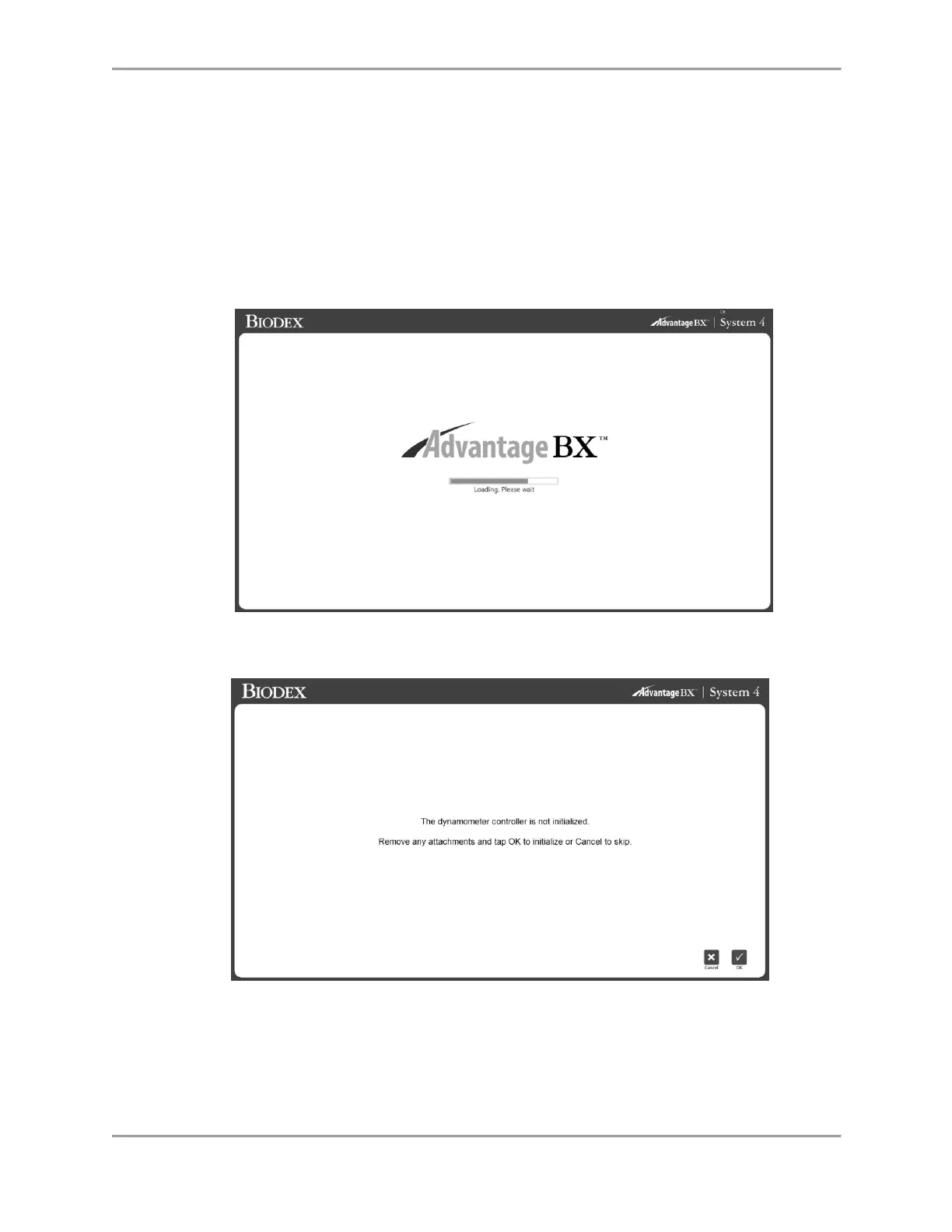
Getting Started
1. Turn on the dynamometer, computer, and touch-screen monitor.
NOTE: Ensure the dynamometer is free of attachments, otherwise an error will display.
2. After the boot, it will launch the application software automatically (you can also double-
tap the Biodex System 4 shortcut). The screen below displays.
NOTE: The screen below will only display when the dynamometer is freshly powered on.
3. Select the OK icon to initialize or the Cancel icon to skip.
NOTE: Skipping initialization will cause the system to be disconnected from the
hardware. Sessions cannot be performed. However, the application can browse offline to
access patient records, if needed.



 To Next Page