32
NOTE: The data in this Instructions for Use (IFU) manual may not represent real-world
situations and the screens may not show the most current version of the software.
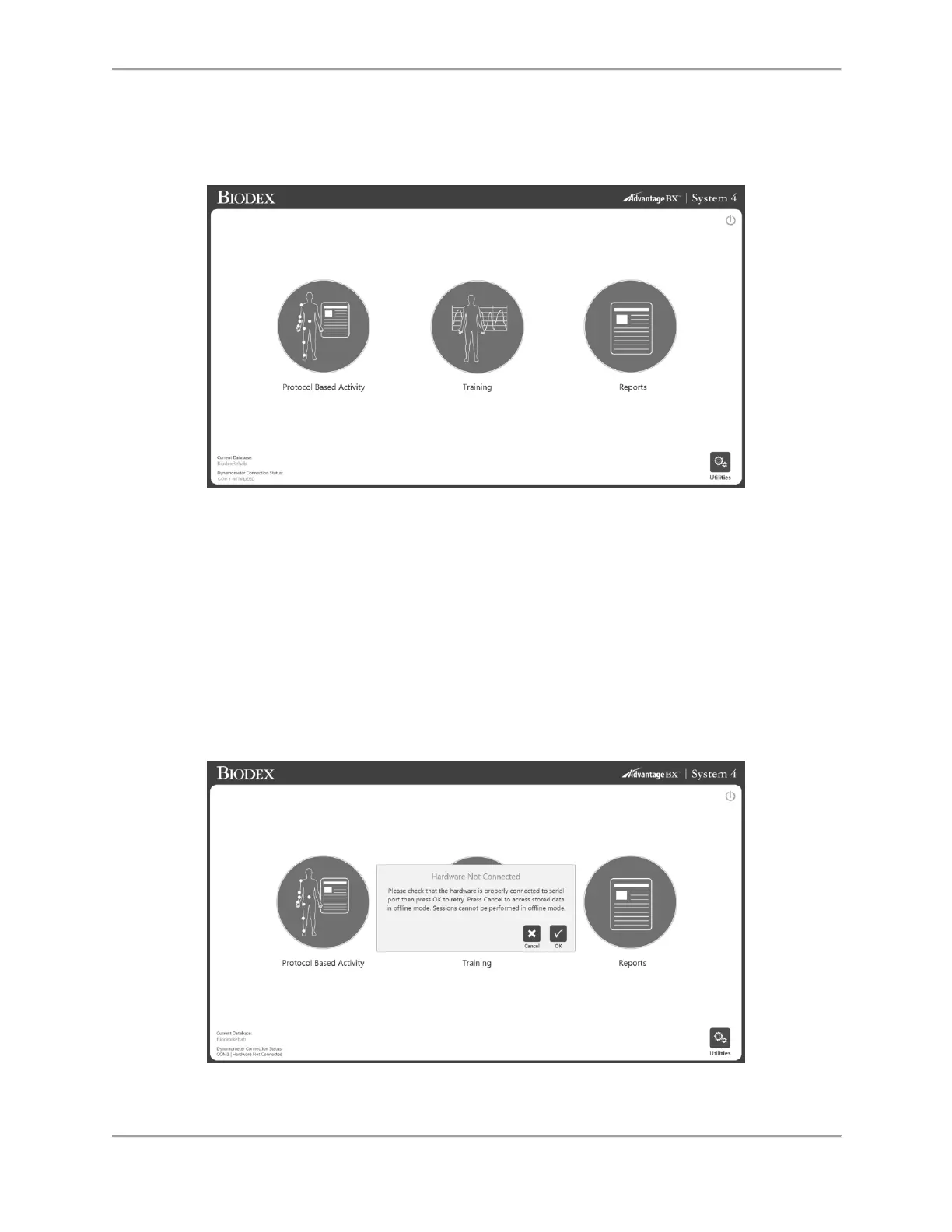
Home Screen
From the S4 Home screen, you can:
Start a Protocol Based Activity
Set up a Training session
Access reporting capabilities
Access Utilities options
Turn off the system using the power icon
NOTE: If the application software cannot connect to the hardware, then it will display the below
message. This could be due to the serial cable not being properly connected or the COM port not
being defined correctly. Check the connection and then click the OK icon to retry the
connectivity.



 To Next Page