46
Practice Reps with Activity
There are two ways to perform practice reps with Activity: performing practice reps as needed
or including practice reps before each set.
Option A: Perform Practice Reps as Needed (Default Setting)
1. Navigate to Utilities>Application Settings>General Settings.
NOTE: You may be asked for your Access Code after selecting Application Settings.
2. Ensure that the following two settings are not selected:
Auto Start After Rest Period
Include Practice Reps in Sets
3. Navigate to the Home screen and select Protocol Based Activity.
4. Select a protocol and set your ROM.
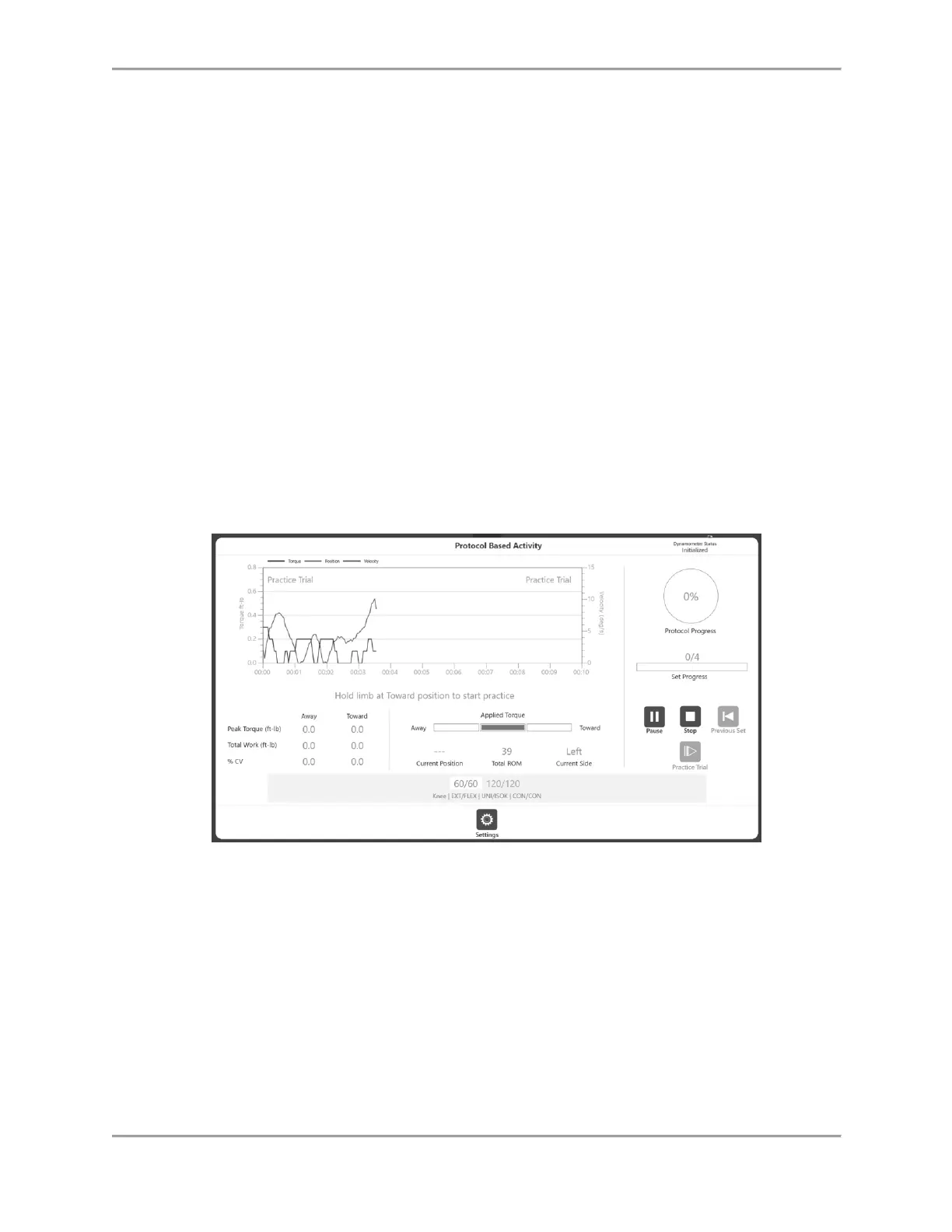
5. Select the Start icon to begin your Activity, or select the Practice Trial icon
to begin practice reps.
NOTE: If you select Start, you lose your Practice Trial.
NOTE: The practice reps can be ended by clicking the Stop icon. There will be a maximum of
four practice reps. Practice Trials will have the same properties (speed, torque, etc.) as the
activity. Practice Trial results are not recorded.
6. A message appears instructing you to bring the limb all the way to the start position. Once
you reach the start position, a “3, 2, 1…GO!” message appears.
7. Complete your Activity Session (as shown in the Protocol Based Activity section). If you wish
to save the results, select the Results icon and then the Save icon.



 To Next Page