47
Option B: Include Practice Reps before Each Set
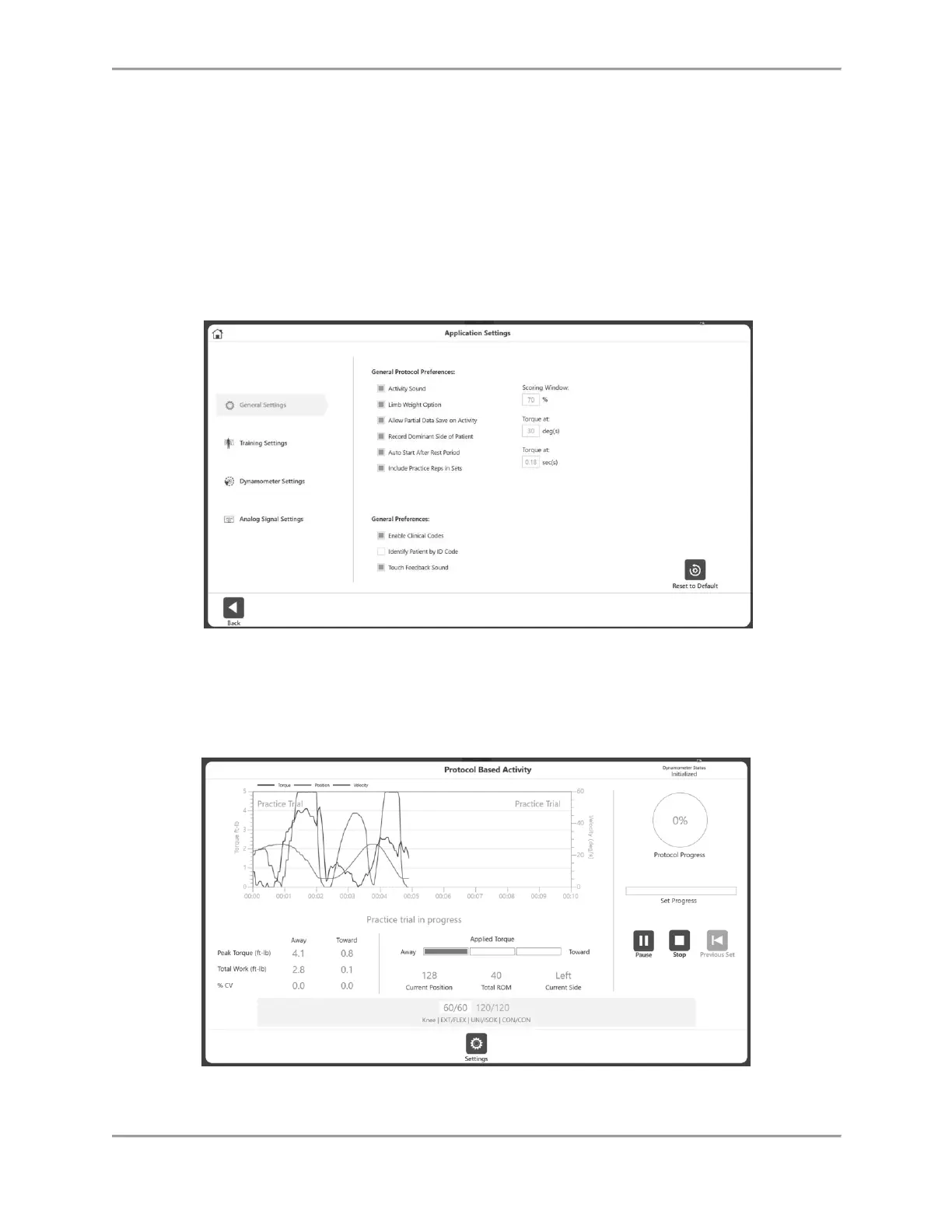
1. Navigate to Utilities>Application Settings>General Settings.
NOTE: You may be asked for your Access Code after selecting Application Settings.
2. Ensure that the following two settings are highlighted/selected:
Auto Start After Rest Period – If this is selected, you will lose the chance to have a
Practice Trial on your next session.
Include Practice Reps in Sets – A Practice Trial will be mandatory before each Activity
when this is selected.
3. Navigate to the Home screen and select Protocol Based Activity.
4. Select a protocol and set your ROM.
NOTE: The Practice Trial icon will not be available because practice reps are now mandatory.



 To Next Page