98
Facility Info and Logo
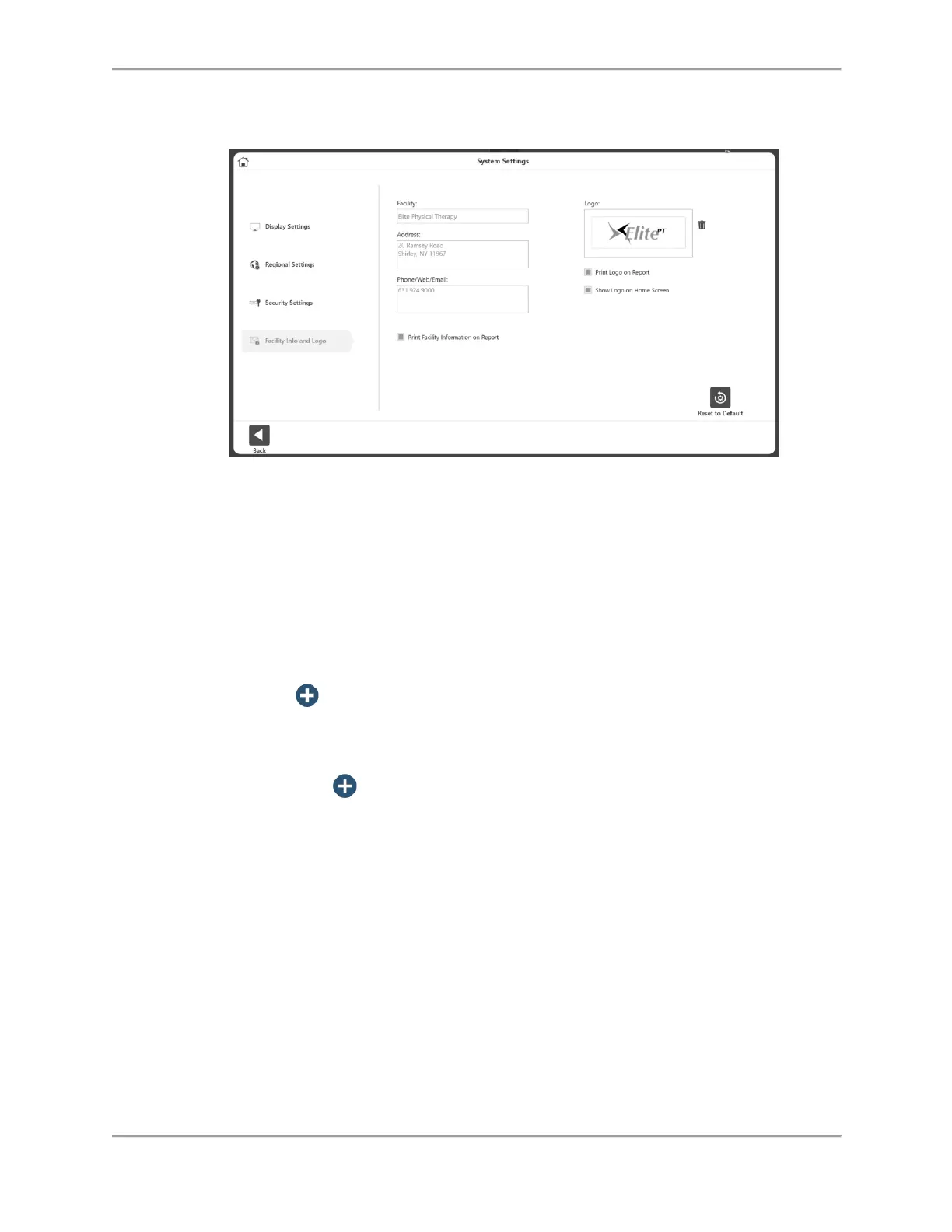
To change the Facility Info and Logo:
1. Select Utilities on the Home screen.
2. Select System Settings.
3. Select Facility Info and Logo. The following settings can be adjusted:
Add the Facility name, address, phone/web/email information into the text
boxes.
Facility information can be displayed on reports and the home screen.
To add a logo:
1. Click on the button to bring up the location browser.
2. Select the logo file from the location browser.
3. Click the OK button to apply the logo. A preview of the logo will display.
4. If needed, the current logo can be removed (using the trash icon)
and then use the button to add another logo.



 To Next Page