97
Security Settings
To adjust the Security Settings:
1. Select Utilities on the Home screen.
2. Select System Settings.
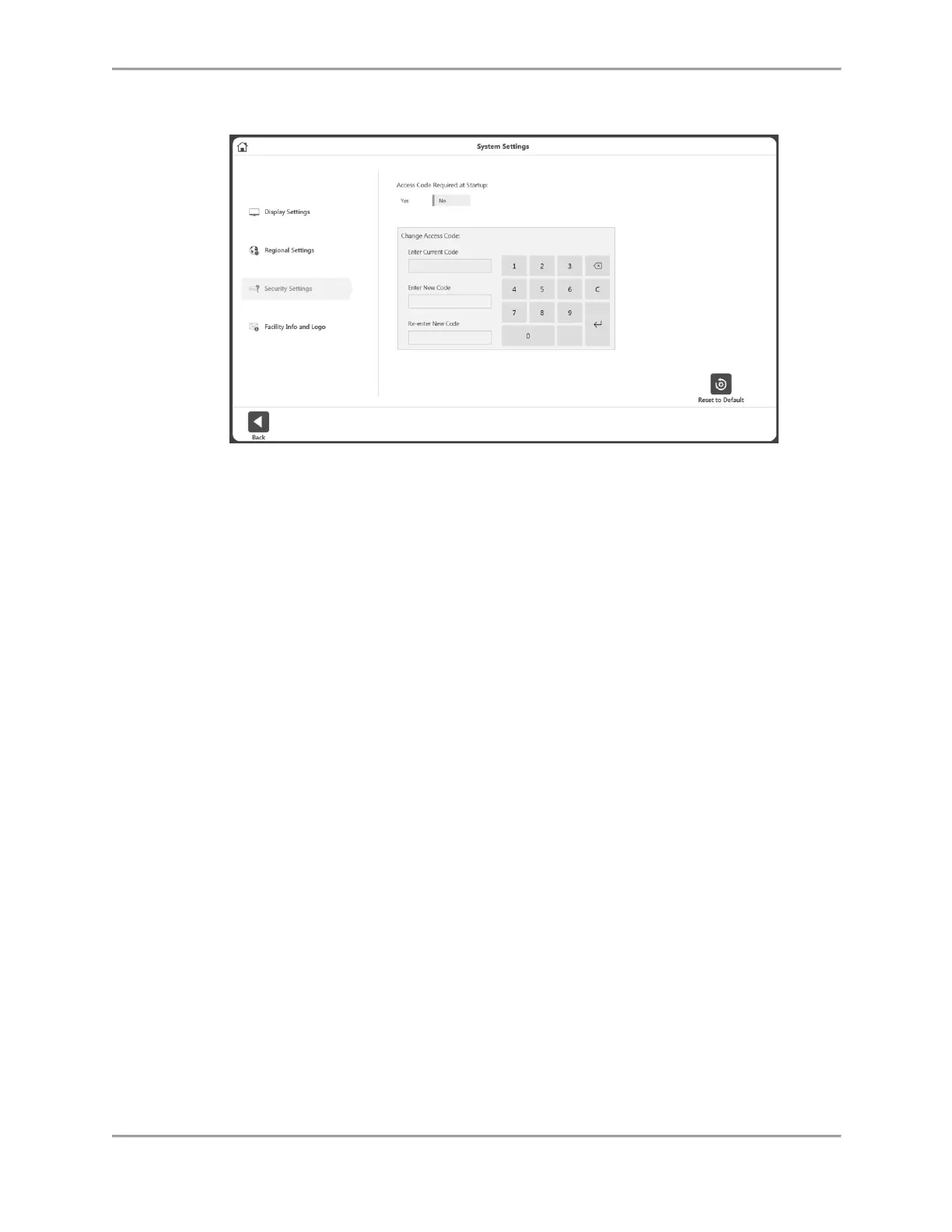
3. Select Security Settings. The following settings can be adjusted:
The Access Code can be required or not required at Startup.
The Default Access Code can be changed. The user will need to enter the default
access code and then type and re-type the new code.



 To Next Page