96
Regional Settings
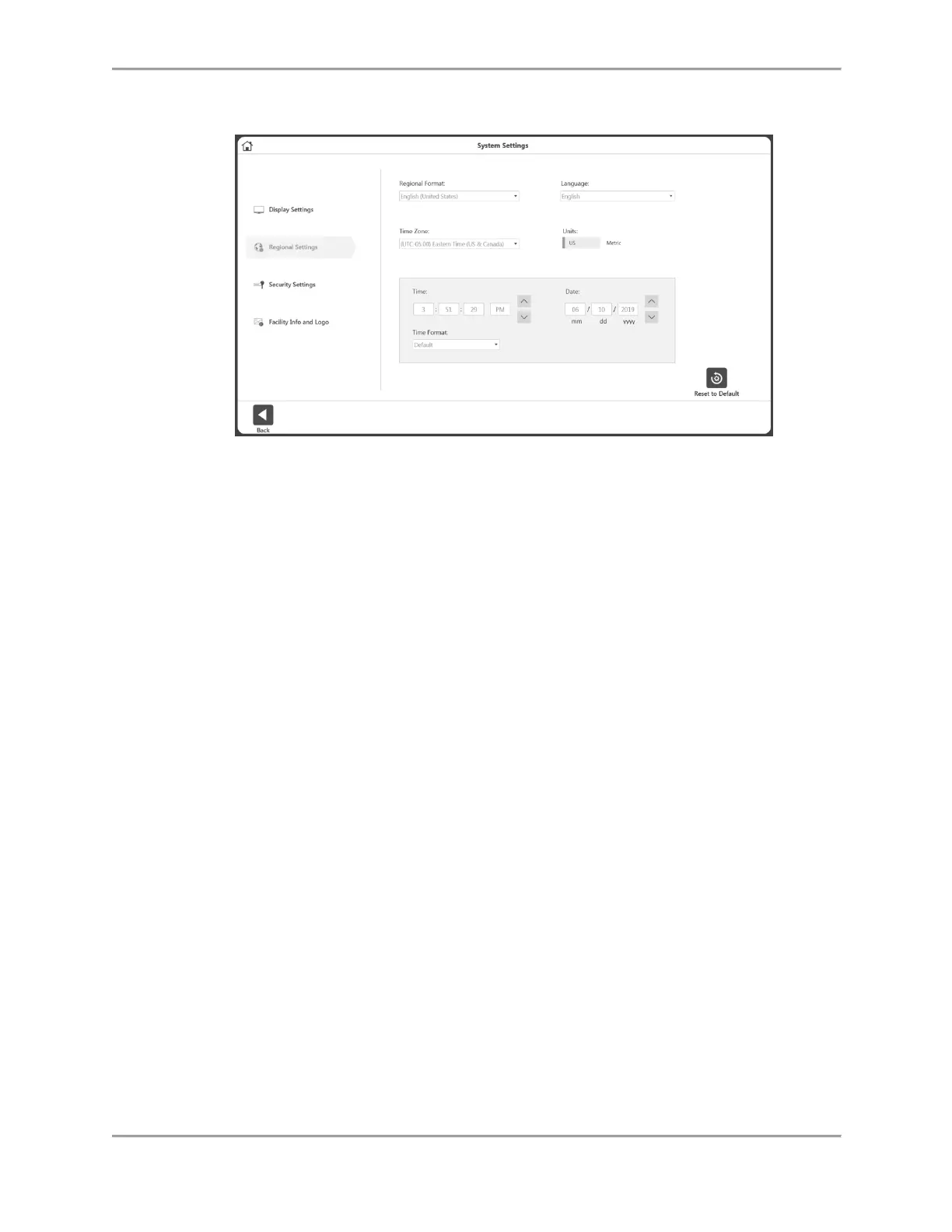
To adjust the Regional Settings:
1. Select Utilities on the Home screen.
2. Select System Settings.
3. Select Regional Settings. The following properties of the System (PC)
can be changed:
Regional Format – Regional settings can be selected from the dropdown.
Language – Select from a pre-defined list of languages. The application will then
display the text in those languages.
Time Zone – Set the time zone.
Units – Set Metric or US units.
Time, Date, and/or Time Format – Set the date/time of the PC and format.



 To Next Page