73
4. Select the Next icon.
NOTE: The patient must have one or more activities for the Next icon to appear.
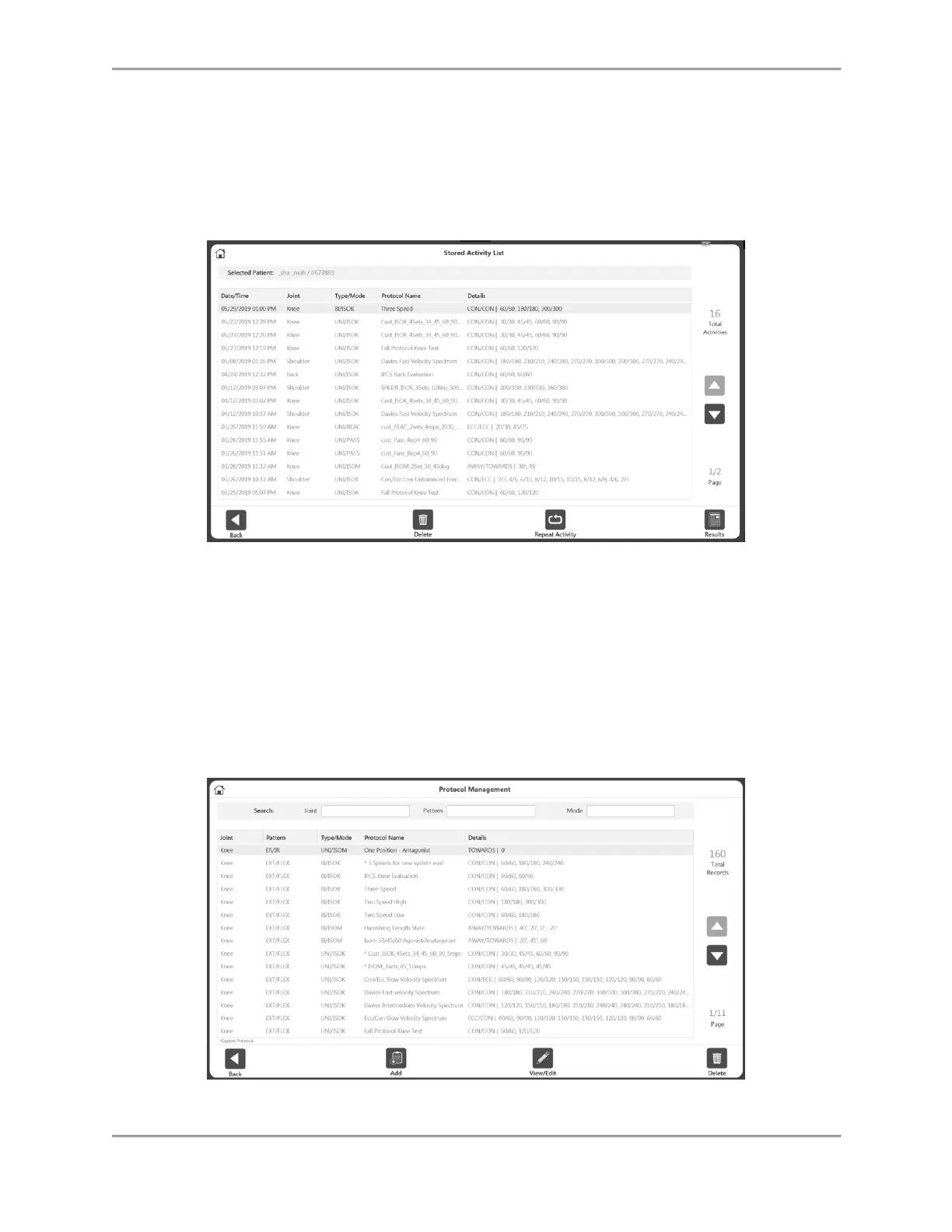
5. Select an activity from the Stored Activity List screen. If the Next button is clicked from
the search result of Patient Management screen, it will display only the activities of that
Joint type. To see all of the activities regardless of joint, use the Reset button on the
right top corner on the Stored Activity List screen.
6. Select the Results icon, the Repeat activity icon, the Delete icon, or the Back icon.
Protocol Management
1. Enter Access Code 159 and select the OK icon.
2. On the Protocol Management screen, select a protocol.
3. You can Search for a protocol at the top of the screen, Add a protocol using the Add
icon, View or Edit a protocol using the View/Edit icon, Delete a protocol using the Delete
icon, or use the Back button to see the previous screen.



 To Next Page