74
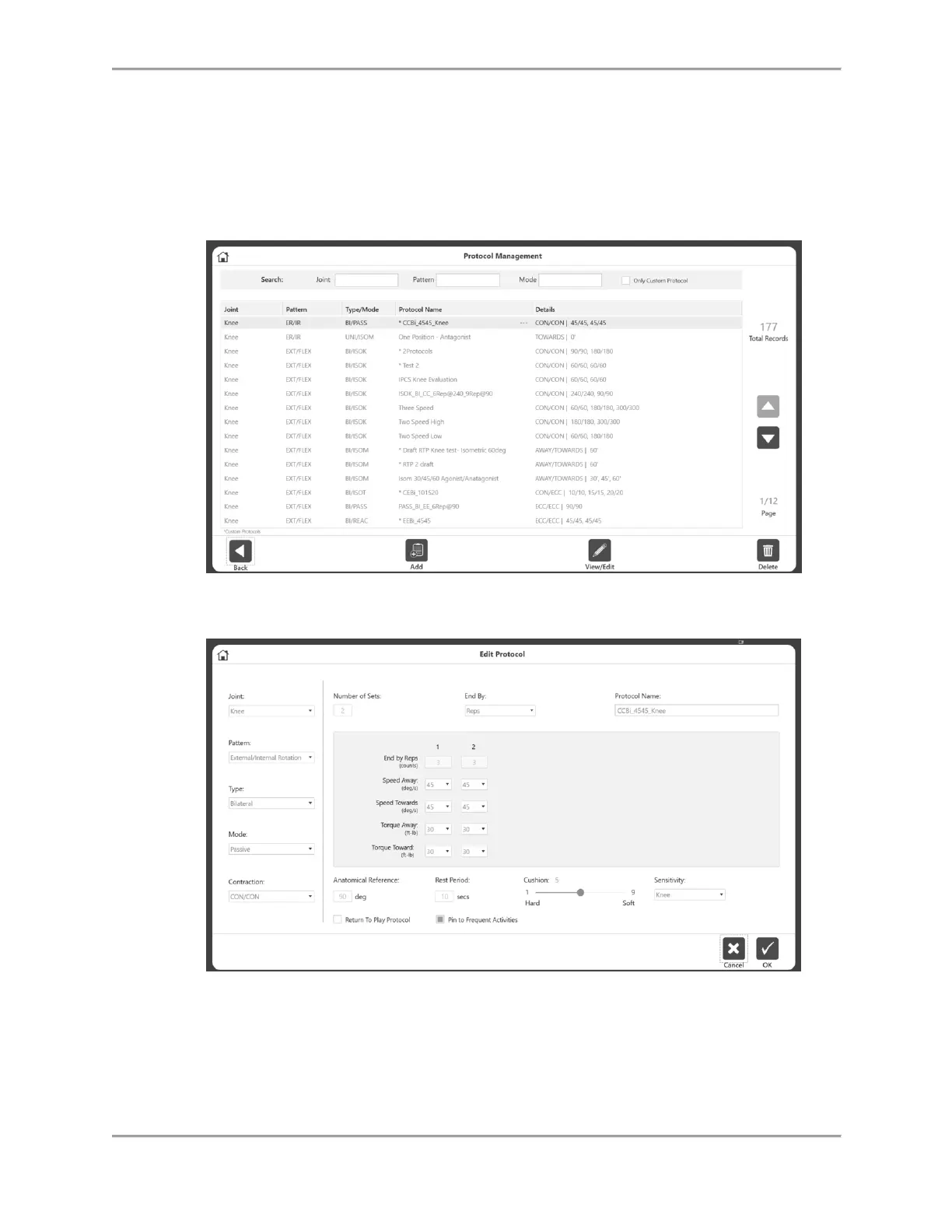
NOTE: Custom protocols are marked with an asterisk (*). Built-in protocols cannot be
edited/deleted.
NOTE: The properties of a protocol cannot be changed because it would affect the
results. If a protocol is already being used, save it under a new name to change it.
Protocols that have been used are marked with three dots. To change the name, click on
the three dots, and change the name on the Rename Protocol screen.
NOTE: A protocol cannot be renamed after it has been used to save an Activity.
4. Select the Home icon to return to the Home screen when finished.



 To Next Page