95
Display Settings
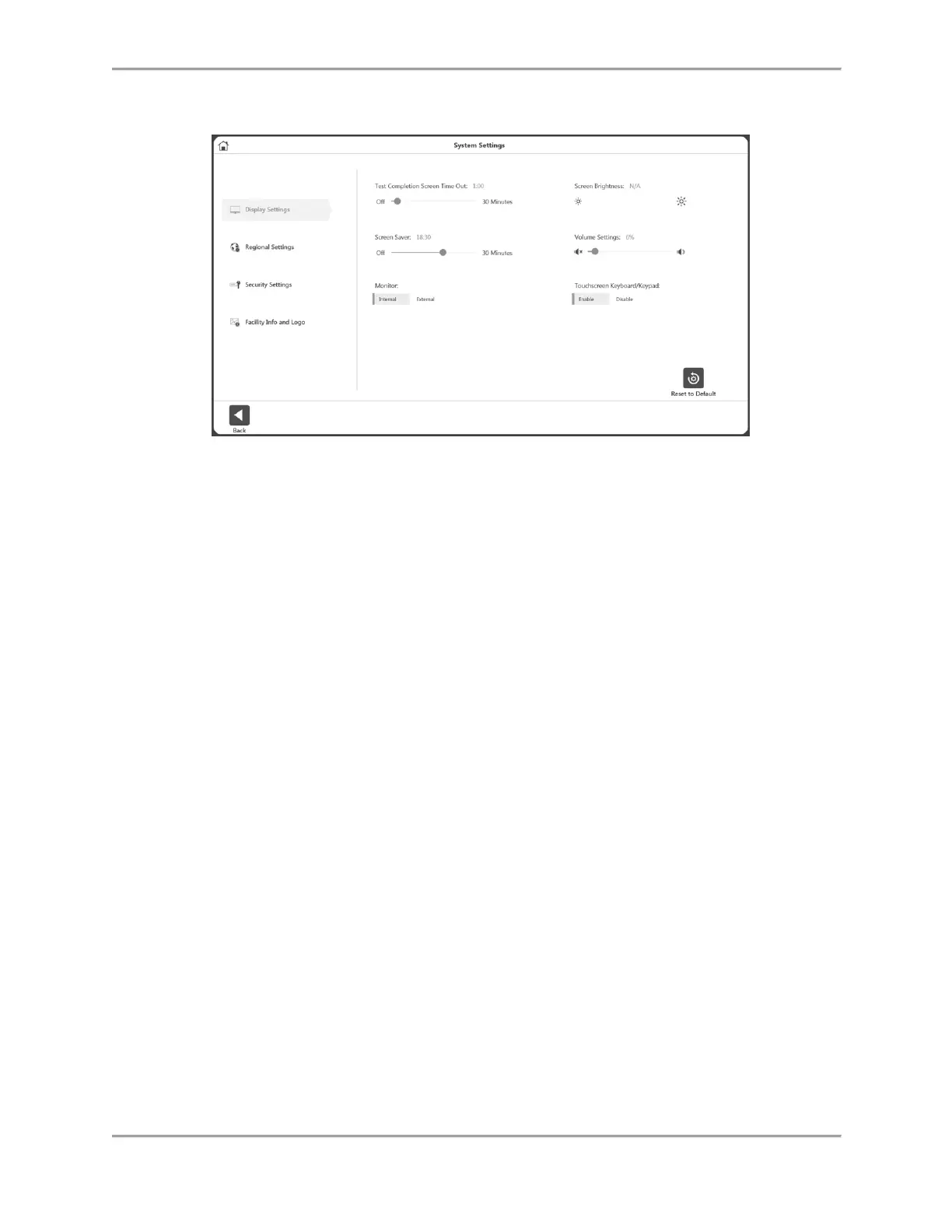
To adjust the Display Settings:
1. Select Utilities on the Home screen.
2. Select System Settings.
3. Select Display Settings. The following display settings can be changed:
Test Completion Screen Time Out – Set the time between off to 30 minutes. If
enabled, when set time expires on the Activity Result screen, the user will be
returned to Main Menu in 30 seconds whether or not the results are saved.
Screen Saver – Displays during inactivity. Can be off to 30 minutes.
Monitor – Displays on Internal monitor by default. If External, it will duplicate the
view on both monitors.
Screen Brightness – Depending on the PC/Tablet, if available, controls the
brightness.
Volume Settings – Controls the volume of the PC.
Touchscreen Keyboard/Keypad – Enable/Disable the on screen keyboard.



 To Next Page