45
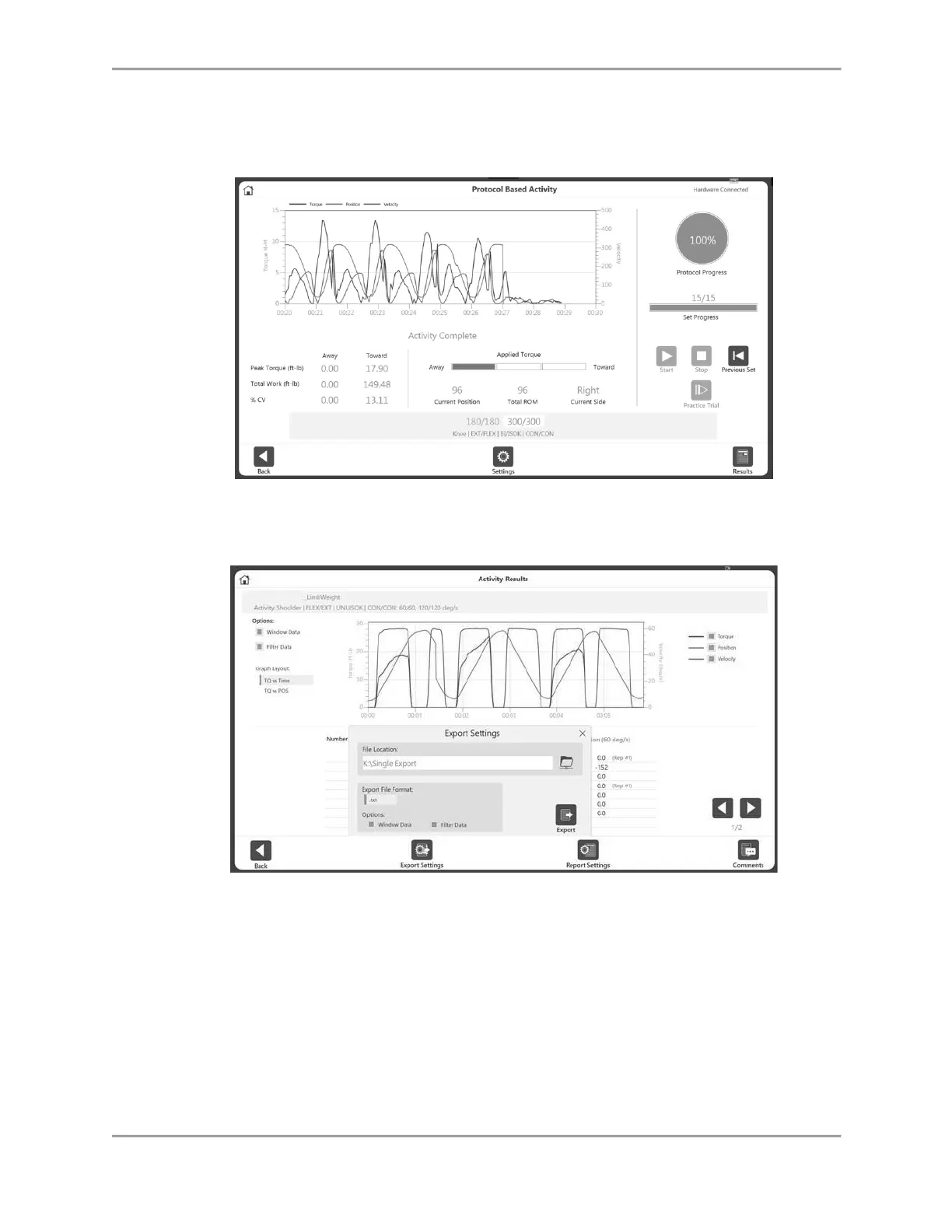
NOTE: If the patient is unable to complete a set, select the Stop icon. This will abort that
particular set and will record as DNC (did not complete). The cancelled set will be
displayed in red at the bottom. Click Start to begin the next set.
7. Once all necessary sets have been completed, the Results icon on the bottom right will
become available. Select the Results icon; the Activity Results screen displays.
NOTE: The Activity Results screen offers a Single Activity export option. Further
information can be found in the Exporting section.



 To Next Page