44
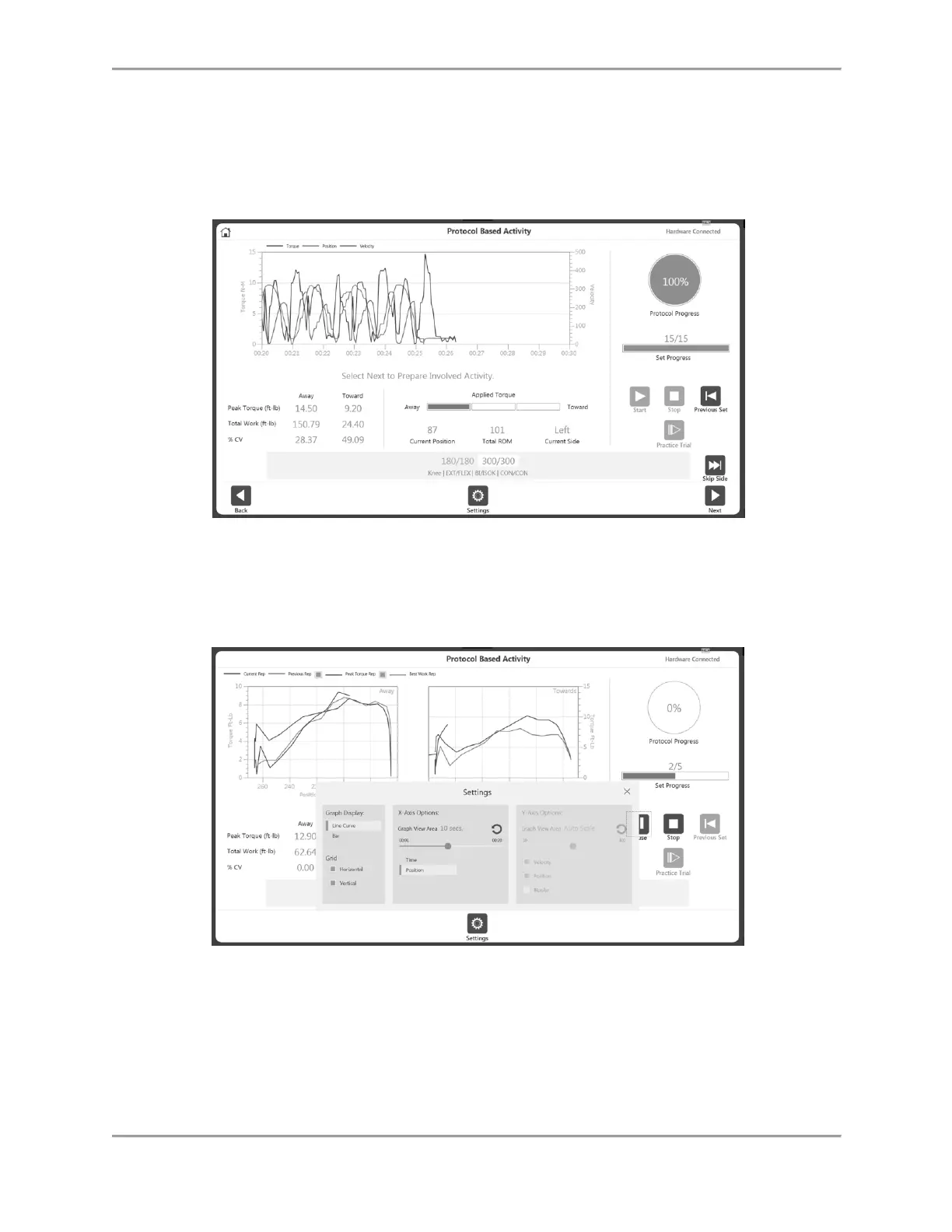
NOTE: The current set will be highlighted in white with blue text. Once a set has been
completed, it will turn to green text.
NOTE: When the Previous Set icon is clicked, a message will display asking whether
you want to overwrite the previous set. You can either proceed or cancel the action.
6. Continue the activity on the opposite side, or select the Skip Side icon to finish the
activity. For a Unilateral activity, the Skip Side option will not be available.
NOTE: The Settings icon can be used to change the way the activity
is being displayed on graph.
NOTE: Once you have begun an activity, the Start icon can be selected again and
becomes a Pause icon. This allows you to pause at any time. Select the Pause icon and it
will again become a Start icon, resuming your session.
NOTE: Once a set is complete it will be displayed in green at the bottom and the next
set will be highlighted. If the set needs to be repeated, click the Previous Set button. A
warning will display letting you know what activity data will be overwritten.



 To Next Page