76
2. On the next screen it will display the details of the Protocol.
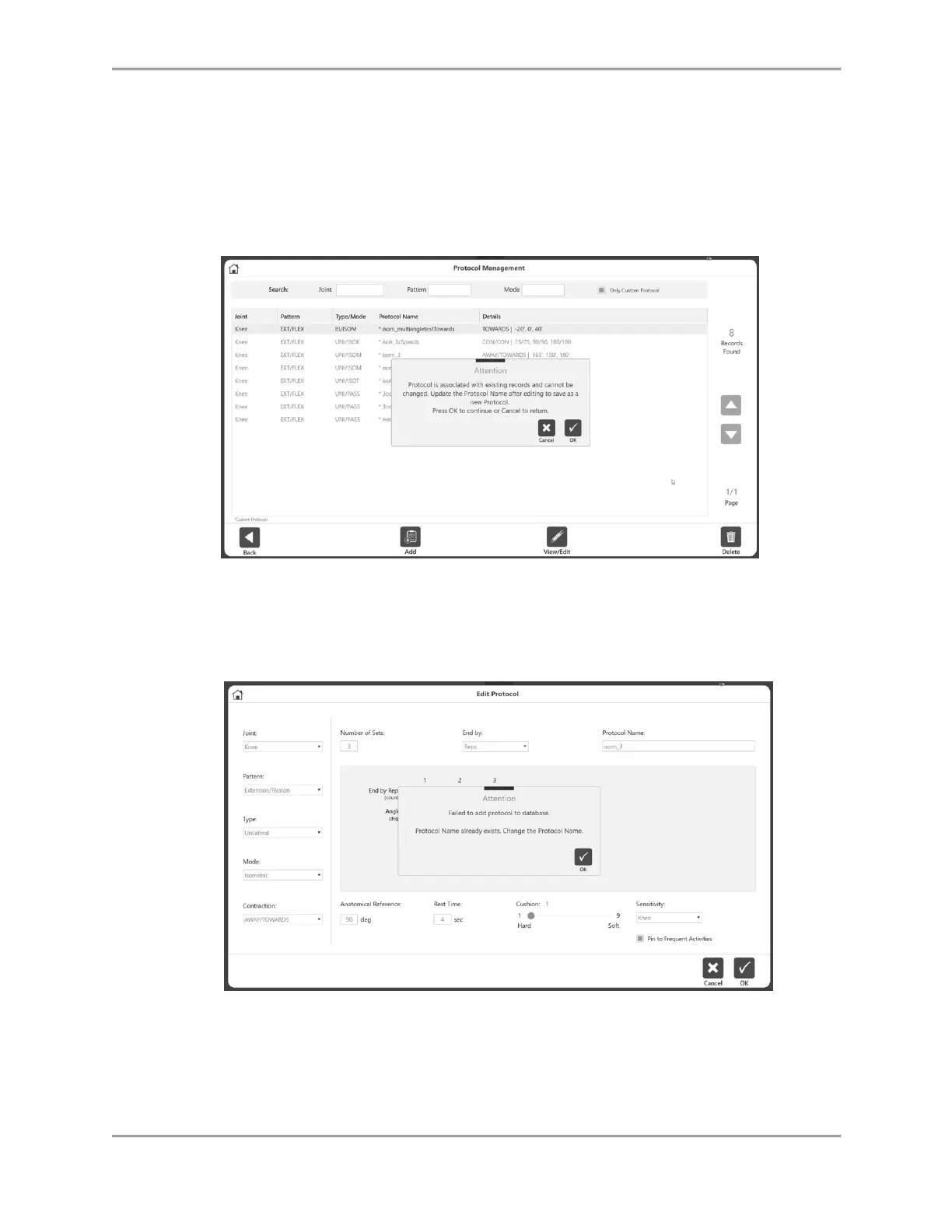
NOTE: If a protocol is built-in or has already been used for a saved activity result, you
will not be allowed to edit that protocol.
3. If the protocol is not used yet, and not a factory protocol, any properties of the protocol
can be changed. Otherwise a message will display explaining that the protocol cannot be
changed.
4. If a protocol is already used, you may want to change certain details. For example, to
change the Rest Time you can open the protocol and change the rest time. Then Save As
and you will be prompted to change the Protocol Name.



 To Next Page