50
3. Select the Save icon if you wish to save the results. Use the left and right arrow buttons
to view additional report pages.
NOTE: Data are not saved until the Save icon is clicked.
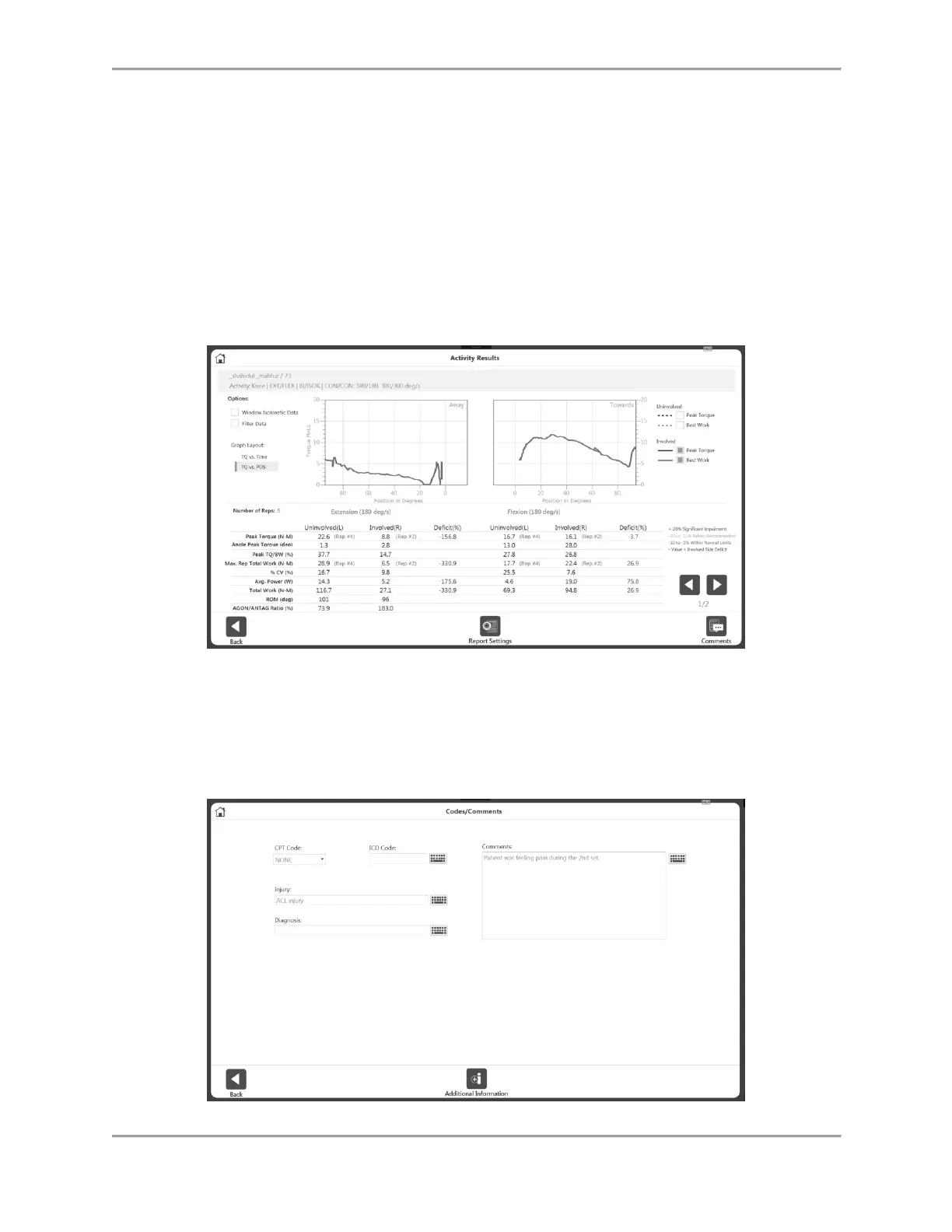
4. The Activity Results screen allows you to change the settings of the results. Options like
Window Data (for ISOK only), apply Filter, change the view of the graph to Position based
or Time based graph, selection of Best Work, Peak Torque (for Position based graph),
selection of Torque, Velocity and Position (for Time based graph) can be used. The
graph(s) and metrics on the results screen will reflect the changes made.
NOTE: Any additional options used on this screen will not alter the saved data. Data is
saved in raw format. Post-processing on the data with these settings is applied on an ad-
hoc basis.
5. Use the Comments icon to add comments to the results, if needed.



 To Next Page