FlightHawk RF Test Set
B-2
Automatic Mode
Note: Automatic Mode is Optional Custom Software/Firmware sold
separately and available for purchase for Specific Aircraft Types. Auto-
matic Mode is non-standard software.
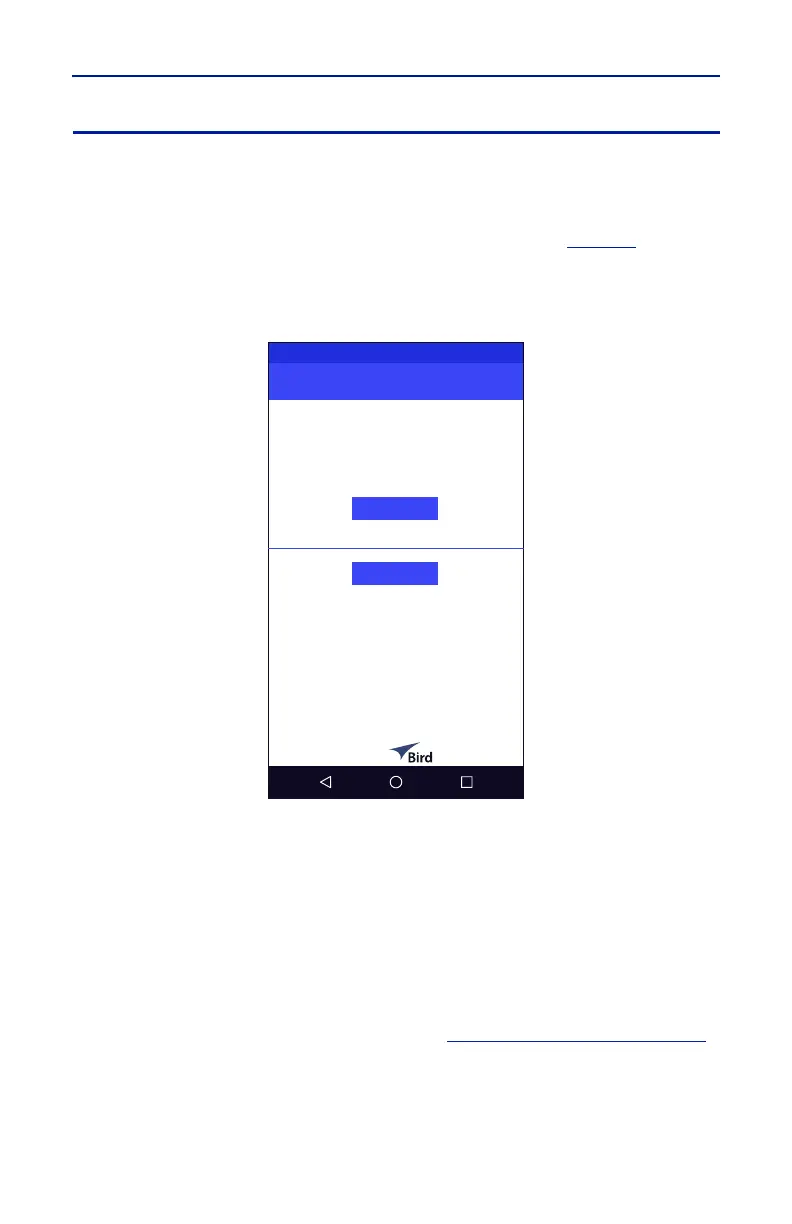
When Automatic Mode is installed a Mode Selection Screen (
Figure 3
) is
displayed, when the FlightHawk-AV is powered on, allowing the user to select
which mode they wish to use.
Figure 3 Mode Selection Screen
Note: Due to differences in aircraft, communications systems, and
manufacturers, the screens shown in this manual will vary from those
displayed on the FlightHawk-AV. This manual is not meant to provide
specific guidance for any aircraft.
Automatic Mode consists of predefined configurations to test VSWR, tailored to
the specific systems available on a given aircraft.
Automatic Mode applies a default correction factor (i.e. calibration) to the
instrument. This allows adequate measurement accuracy to diagnose aircraft RF
systems. If greater measurement accuracy is desired or a test failure must be
retested, advanced mode should be used. See
"Advanced Mode" on page B-9
.



 To Next Page