141
1. 8 7 7. 8 7 7. 2 26 9 BLACKBOX.COM
NEED HELP?
LEAVE THE TECH TO US
LIVE 24/7
TECHNICAL
SUPPORT
1.877.87 7.2269
To simplify configuration, the Administrator can first set up Groups with group access permissions, then Users can be classified as
members of particular Groups.
7.2 SDT CONNECTOR CLIENT CONFIGURATION
The SDT Connector client works with all Black Box console servers. Each remote console server has an embedded OpenSSH based
server which can be configured to port forward connections from the SDT Connector client to hosts on their local network (see
Chapter 6).
The SDT Connector can also be pre-configured with the access tools and applications that will be available to be run when access
to a particular host has been established.
SDT Connector can connect to the console server using an alternate OOB access. It can also access the console server itself and
devices connected to the console server’s serial ports.
7.2.1 SDT CONNECTOR CLIENT INSTALLATION
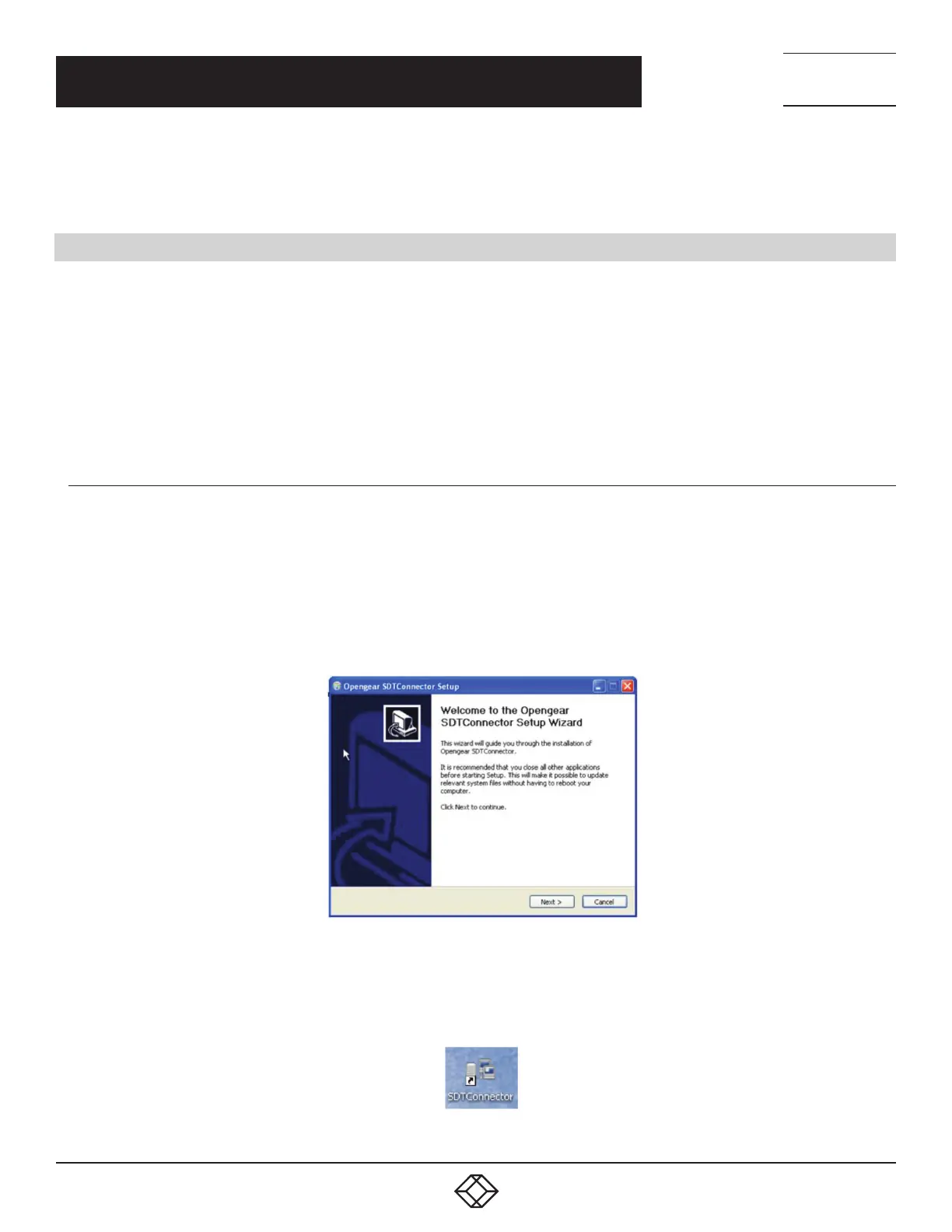
SDT Connector’s set up tool, SDTConnector Setup-1.n.exe or sdtcon-1.n.tar.gz, is on the CD supplied with your console server. It can
also be downloaded from blackbox.com
To install, run the set-up program.
On Windows, SDTConnectorSetup-1.n.exe installs SDT Connector 1.n.exe and the config file defaults.xml. If defaults.xml exists, it is
not overwritten. To remove earlier config files, run regedit, search for SDT Connector and remove the directory with this name.
For Linux and other Unix clients, SDTConnector.tar.gz will install the sdtcon-1.n.jar and the config file defaults.xml.
FIGURE 7-3. SDT CONNECTOR SETUP WIZARD SCREEN
Once complete you will have SDT Connector on your machine and an icon on your desktop. To launch the SDT Connector client,
double-click this icon.
FIGURE 7-4. SDT CONNECTOR ICON
CHAPTER 7: SSH TUNNELS AND SDT CONNECTOR











 To Next Page