63
1. 8 7 7. 8 7 7. 2 26 9 BLACKBOX.COM
NEED HELP?
LEAVE THE TECH TO US
LIVE 24/7
TECHNICAL
SUPPORT
1.877.87 7.2269
CHAPTER 5: SERIAL PORT, HOST DEVICE AND USER CONFIG
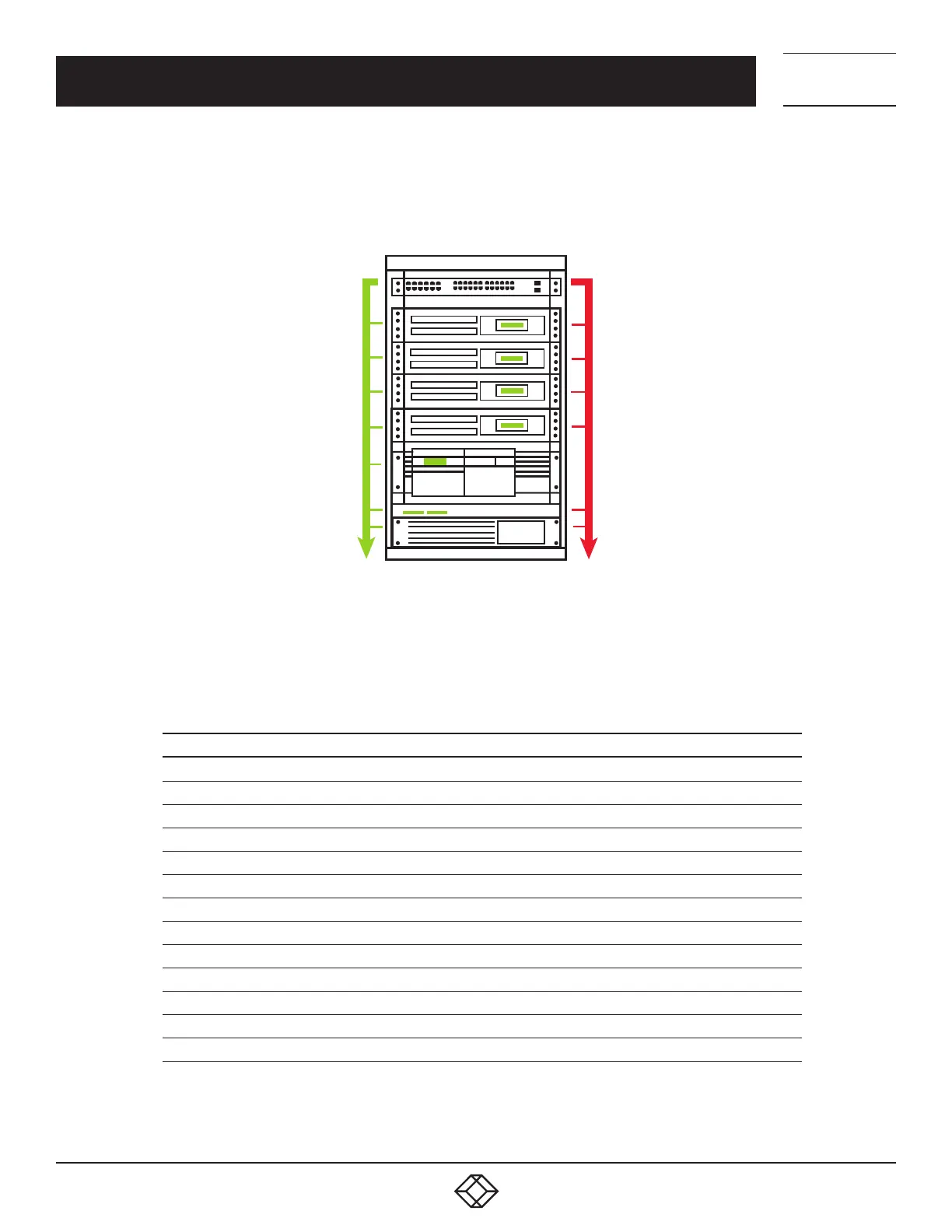
The console server enables access and control of serially-attached devices and network-attached devices (hosts). The
Administrator must configure access privileges for each of these devices, and specify the services that can be used to control the
devices. The Administrator can also set up new users and specify each user’s individual access and control privileges.
Network
connected
(HTTP, HTTPS, IPMI,
ALOM, SQL, VNC, RDP,
SSH, X, Telnet)
Serial
connected
Linux, Solaris, Windows,
UNIX, BSD servers
VoIP PBX Switch, Router,
Firewall, Power strip, UPS
FIGURE 5-1.
This chapter covers each of the steps in configuring network-connected and serially-attached devices.
TABLE 5-1. STEPS SUMMARY
STEP NOTES
Serial ports Setting up serially connected device protocols
Users & Groups Setting up and defining user access permissions
Authentication Also covered in more detail in Chapter 10
Network hosts Configuring access to network-connected hosts
Configuring trusted networks Nominate IP addresses trusted users access from
Serial console port cascading and redirection —
Power (UPS, PDU and IPMI) —
Environmental Monitoring Devices (EMD) —
Serial port redirection The PortShare client on Windows and Linux
Managed devices The consolidated view of all the connections
IPSec Enabling VPN connections
OpenVPN —
PPTP —











 To Next Page