339
1. 8 7 7. 8 7 7. 2 26 9 BLACKBOX.COM
NEED HELP?
LEAVE THE TECH TO US
LIVE 24/7
TECHNICAL
SUPPORT
1.877.87 7.2269
APPENDIX C: CONNECTIVITY, TCP PORTS AND SERIAL I/O
C.2 LOCAL CONSOLE PORT
Console servers with a dedicated LOCAL console/modem port use a standard DB9 connector for this port.
To connect to the LOCAL modem/console port on the console servers using a computer or terminal device using adapters with
standard UTP CAT5 cable. Contact Black Box Technical Support at 877-877-2269 or info@blackbox.com for compatible adapters.
To connect the LOCAL console ports to modems (for out of band access) use an adapter with standard UTP CAT5 cable. Contact
Black Box Technical Support at 877-877-2269 or info@blackbox.com for compatible adapters.
Each Black Box console server is supplied with UTP CAT5 cables.
C.3 RS-232 STANDARD PINOUTS
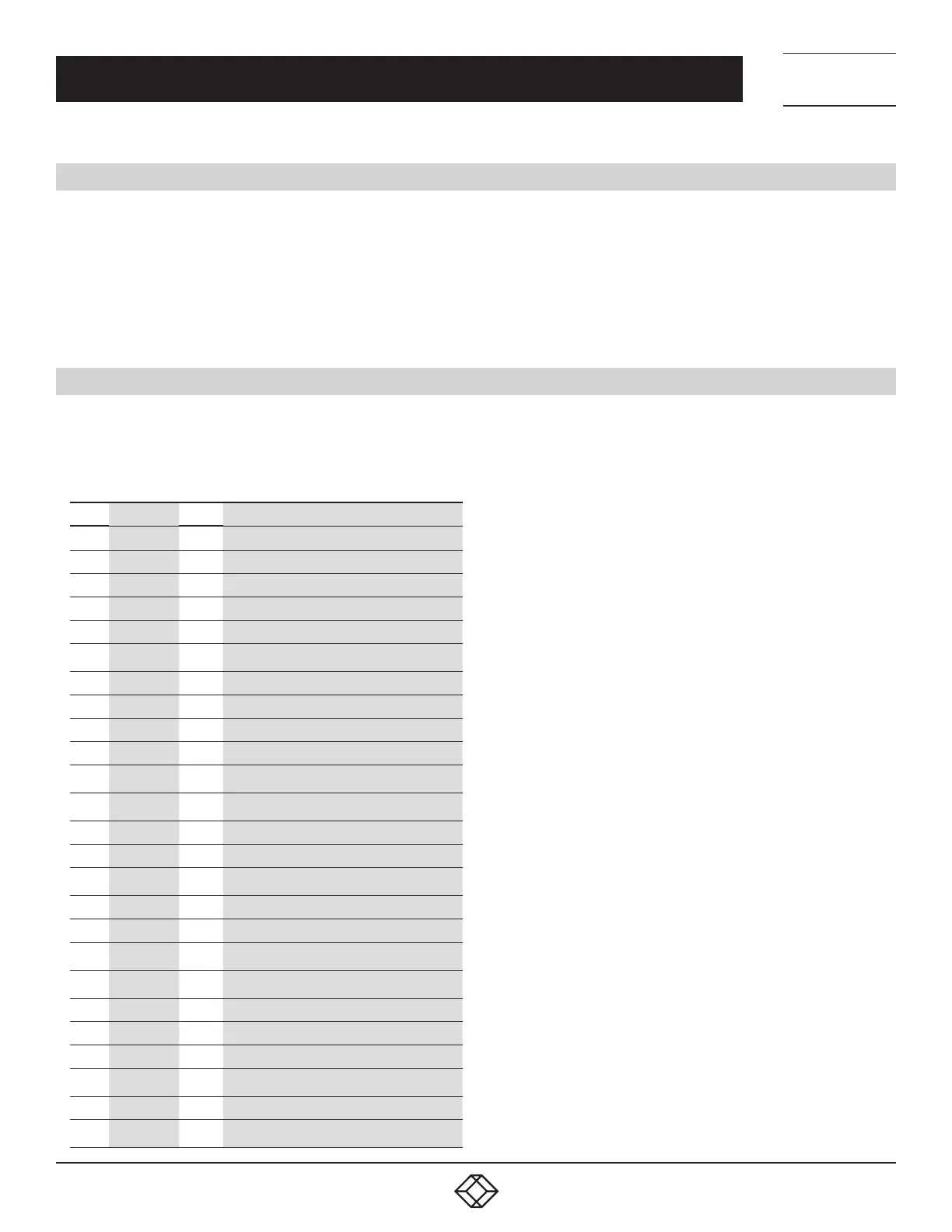
The RS-232 pinout standards for the DB9 and DB25 connectors are listed in the table below.
TABLE C-3. RS-232 STANDARD PINOUTS
PIN SIGNAL DB9 DEFINITION
1 — – Protective Ground
2 TXD 3 Transmitted Data
3 RXD 2 Received Data
4 RTS 7 Request to Send
5 CTS 8 Clear to Send
6
DSR
6
Data Set Ready
7 GND 5 Signal Ground
8 CD 1 Received line signal detector
9 — – Reserved for data set testing
10 — – Reserved for data set testing
11 —
–
Unassigned
12
SCF
–
Secondary received line signal detector
13 SCB – Secondary Clear to Send
14 SBA – Secondary Transmitted Data
15 DB
–
Transmission signal timing
16 SBB – Secondary Received Data
17 DD – Receiver signal element timing
18
—
–
Unassigned
19 SCA
–
Secondary Request to Send
20 DTR 4 Data Terminal Ready
21 CG – Signal quality detector
22 — 9 Ring Indicator
23
CH/CI
–
Data signal rate selector
24 DA – Transmit signal element timing
25 —
–
Unassigned











 To Next Page