148
1. 8 7 7. 8 7 7. 2 26 9 BLACKBOX.COM
NEED HELP?
LEAVE THE TECH TO US
LIVE 24/7
TECHNICAL
SUPPORT
1.877.87 7.2269
7.2.7 ADDING A CLIENT PROGRAM TO BE STARTED FOR THE NEW SERVICE
Clients are local applications that may be launched when a related service is clicked. To add to the pool of client programs:
Select Edit > Preferences.
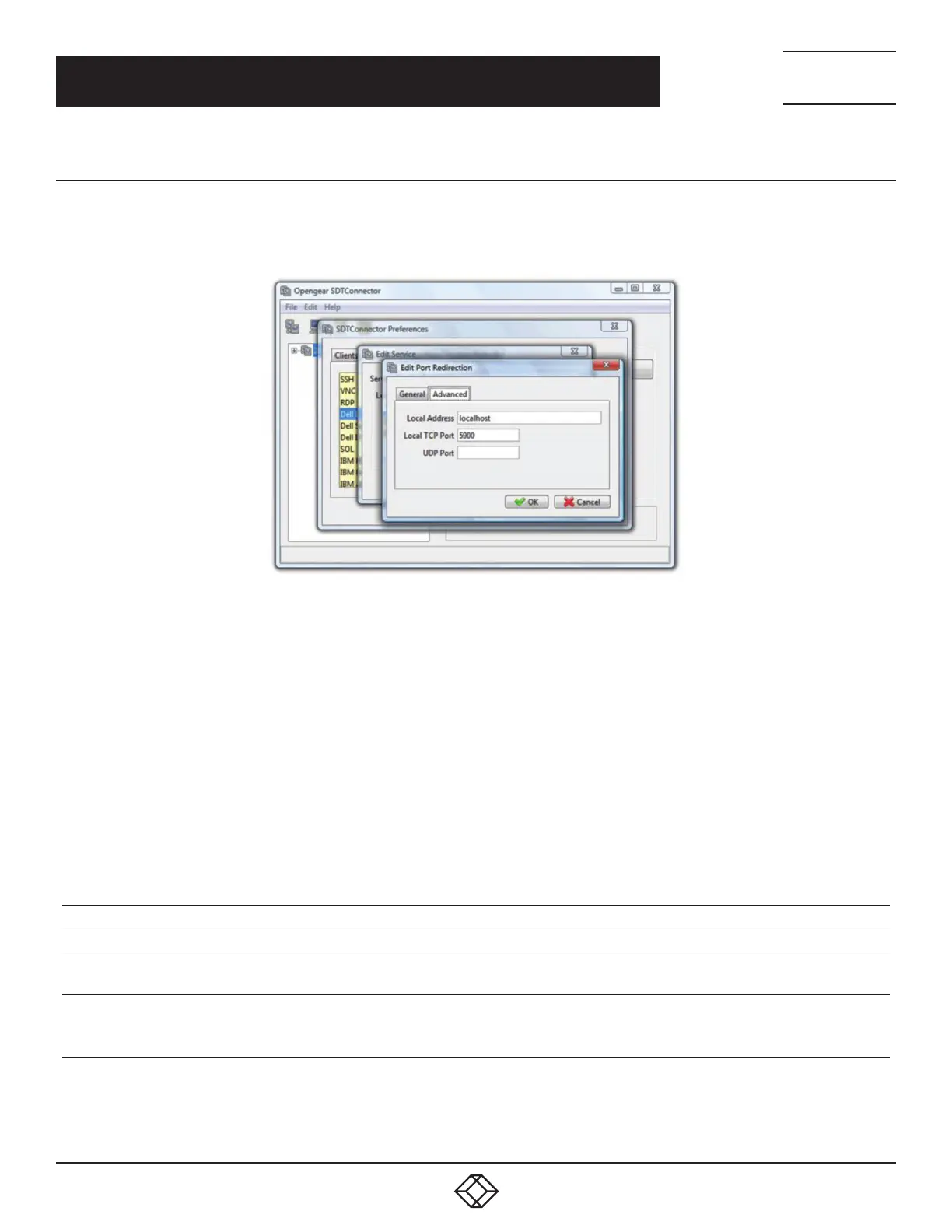
FIGURE 7-13. EDIT PORT REDIRECTION, ADVANCED TAB
Click the Client tab.
Click Add.
Enter a Client name.
Enter the Path to the client executable file or click Browse to locate the client application.
Enter a Command line format for client executable associated with launching the client.
SDT Connector typically launches a client using command line arguments to point it at the local endpoint of the redirection. Three
keywords specify the command line format. When launching the client, SDT Connector substitutes these keywords with appropriate
values.
TABLE 7-2. KEYWORDS
KEYWORD DESCRIPTION
%path% The path to the executable file. Takes the previous field value: Path to the client executable file.
%host%
The local address to which the local endpoint of the redirection is bound. That is, the Local Address field for the
Service redirection Advanced options.
%port%
The local port to which the local endpoint of the redirection is bound. That is, the Local TCP Port field for the
Service redirection Advanced options.
If port is unspecified (Any) an appropriate randomly selected port is substituted.
For example, SDT Connector is preconfigured for Windows with an HTTP client that connects to the Windows user’s default browser.
If there is no default browser, Firefox is used.
CHAPTER 7: SSH TUNNELS AND SDT CONNECTOR











 To Next Page